
Jump to section
- 1. WebscrapingHQ
- Where the managed model makes sense
- Scope, pricing visibility, and trade-offs
- 2. Bright Data
- Where it fits in a real workflow
- 3. Oxylabs
- 4. Apify
- 5. Crawlbase
- 6. Outscraper
- 7. Livescraper
- 8. Thunderbit
- 9. WebAutomation.io
- 10. ReapX
- Top 10 Glassdoor Scrapers, Features & Pricing Snapshot
- Choose the Operating Model, Not Just the Tool
Most advice about Glassdoor web scraping starts with the scraper itself. That’s backwards. The better starting point is the workload.
A reviews project behaves differently from a jobs project. Reviews usually demand stable text capture, deduplication, and handling for gated or dynamically altered pages. Jobs work often needs search-result coverage, URL normalization, and recurring refreshes across volatile listings. If you need both, the problem isn’t just bigger. It becomes a schema and operations decision.
That distinction matters because Glassdoor is a poor fit for simplistic “pick the most specialized tool” guidance. Public guidance and benchmark coverage both suggest the site is unusually brittle at scale, with heavy JavaScript, bot scoring, and frequent timeout or empty-response failure modes in weaker setups, while stronger tools perform far better on the same target, according to AIMultiple’s 2026 Glassdoor scraper benchmark. In practice, that means your choice should follow ownership questions first: who maintains selectors, who handles anti-bot changes, how data arrives, how often it refreshes, and whether pricing is transparent enough to model recurring use.
The ten options below split into four operating models: self-serve exporters, developer APIs, Apify-based actors, and managed pipelines. That’s the comparison. Some are right for a quick spreadsheet export. Some suit engineering teams that want programmable control. Some are only justified when recurring delivery matters more than self-service. WebscrapingHQ belongs in that last group, and that’s where the trade-offs become clearer.
1. WebscrapingHQ
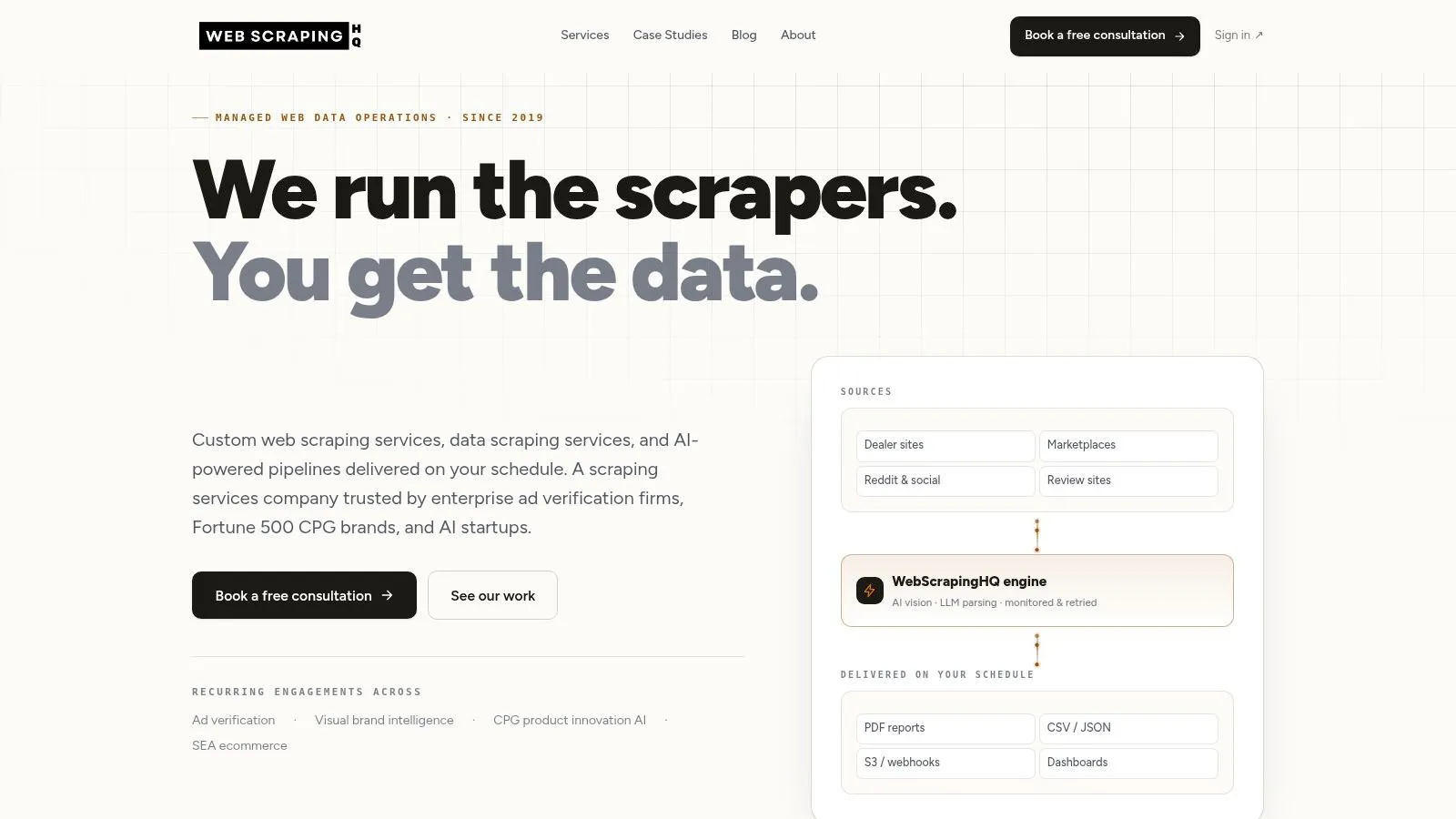
WebscrapingHQ fits a narrower but important Glassdoor use case: recurring delivery of usable data for teams that do not want to operate the scraping stack themselves. That puts it in the managed pipeline category, not the self-serve exporter, API, or actor bucket.
That distinction matters more on Glassdoor than on easier targets. A one-time pull and a maintained feed are different workloads. If the job includes scheduled refreshes, stable schemas, QA, and delivery into business systems, the cost is no longer just proxy spend or scraper runtime. It becomes an operating model decision about who owns breakage, output normalization, and recovery when the site changes.
WebscrapingHQ’s offer is built around taking that ownership. The company presents itself as a custom web data service rather than a packaged Glassdoor scraper, with project scoping, ongoing maintenance, and delivery formats shaped to the client’s workflow. Its public site, webscrapinghq.com, reflects that positioning.
Where the managed model makes sense
The practical case for WebscrapingHQ is not small-scale extraction. It is recurring collection where the scrape is only one step in a larger process. Common examples include employer reputation monitoring, compliance reporting, or internal analytics feeds that combine Glassdoor with other unstable sources.
That changes the evaluation criteria.
A developer tool is usually judged on access and flexibility. A managed pipeline should be judged on maintenance burden, schema discipline, and delivery reliability. WebscrapingHQ appears stronger on those dimensions than on instant self-serve access. The company also highlights computer-vision and LLM-assisted parsing, which is relevant when page structure is inconsistent or when teams need cleaned outputs instead of raw HTML or JSON fragments.
A simple rule helps here. If an analyst can tolerate rerunning a job after failures, use a lighter tool. If a missed refresh breaks a report, internal dashboard, or client deliverable, paying another party to maintain the pipeline can be rational.
Scope, pricing visibility, and trade-offs
WebscrapingHQ is more transparent on pricing than many managed providers, but not fully productized. Its pricing page gives a public starting point for recurring work, which is useful for early budgeting. Final scope still depends on the target, output requirements, and delivery setup, so validation through sales contact is still part of the process.
That pricing model has two implications. First, it is less attractive for occasional exports, exploratory research, or teams that mainly want raw records as cheaply as possible. Second, it becomes easier to justify when internal engineering time is expensive, when schema consistency matters, or when multiple brittle sources need to feed one governed dataset.
The trade-off is clear. You give up some self-serve speed and direct control. In return, you reduce the ongoing work of selector fixes, anti-bot handling, QA, and downstream formatting.
- Best fit: Teams buying an outcome. Recurring Glassdoor data delivered on schedule, in a defined schema, with maintenance handled for them.
- Less ideal: One-off jobs, low-volume exports, or developer-led projects where an API or actor is sufficient and cheaper.
- Operating model: Managed pipeline with custom delivery and ongoing support, rather than a fixed-function scraper.
- Website: WebscrapingHQ
2. Bright Data
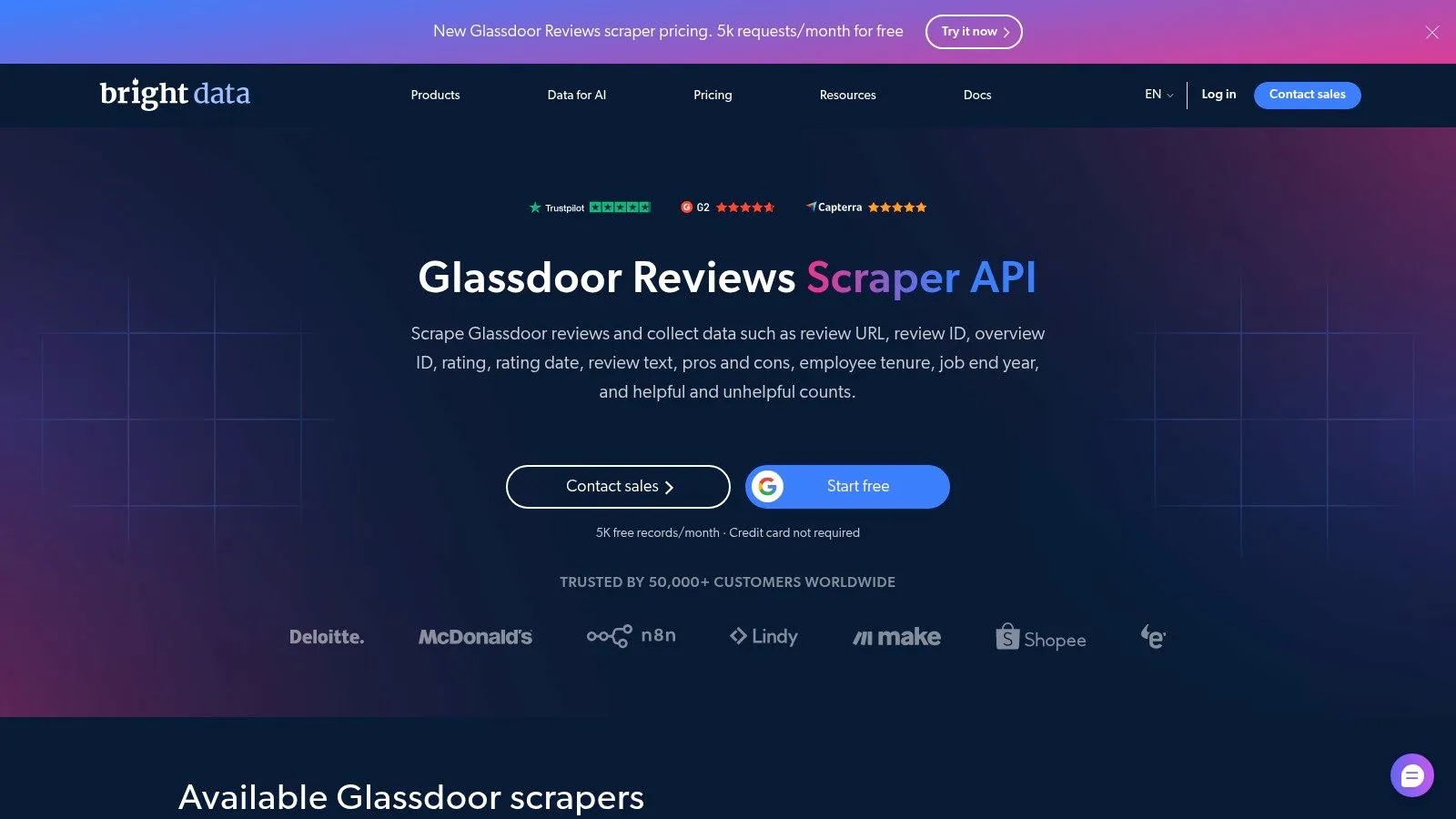
Bright Data’s Glassdoor Reviews Scraper API sits in the middle of the market. It’s more operationally complete than a bare actor, but it still behaves like a productized scraper rather than a managed pipeline.
That distinction is useful for teams that need recurring review or jobs collection and already know how they’ll consume the data. Bright Data offers prebuilt Glassdoor scrapers, built-in unblocking, scheduling, and delivery into storage destinations such as cloud warehouses and object stores. For engineering teams, that shortens time to first data without forcing them to maintain their own browser fleet.
Where it fits in a real workflow
Bright Data makes the most sense when the schema is close to the vendor’s predefined output and the team is comfortable owning downstream parsing, joins, and monitoring. If your employer brand team wants recurring review capture into analytics, this is a credible option. If your use case requires custom field logic or combining Glassdoor with several brittle sources under one governed schema, the productized approach starts to show its limits.
The practical advantage is operational packaging. Glassdoor’s anti-bot posture is strong enough that integrated unblockers and browser automation aren’t luxuries. They’re table stakes for many recurring workloads, especially when challenge pages and render failures start to appear. Teams evaluating Bright Data should also understand the maintenance side of handling CAPTCHA-heavy scraping environments, because even a packaged scraper still leaves you with run governance and exception handling.
Bright Data is strongest when you want a prebuilt Glassdoor lane inside a broader scraping platform, not when you want a vendor to own the outcome end to end.
Pricing is usage-based, which is good for pilots and less good for uncertain scale. The upside is a clear start-free path. The downside is that recurring review monitoring can become harder to budget if input scope expands or if you need retries around unstable pages.
- Best fit: Recurring Glassdoor reviews or jobs extraction with cloud delivery and minimal infrastructure setup.
- Main trade-off: Product templates speed deployment, but custom schema needs can push work back onto your team.
- Website: Bright Data Glassdoor Reviews Scraper API
3. Oxylabs
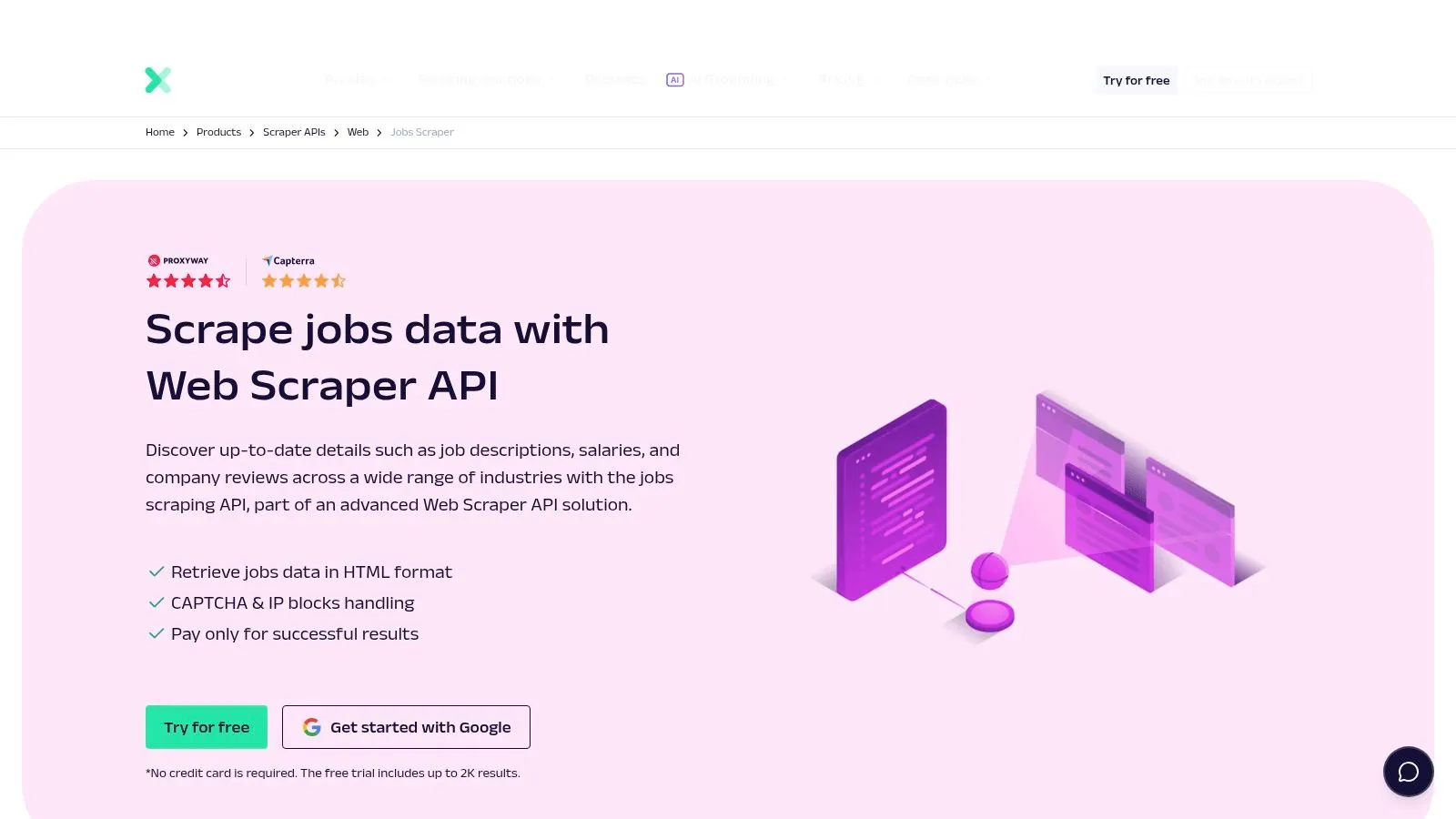
Oxylabs makes the most sense if the core decision is not “How do we scrape Glassdoor?” but “How do we run one collection layer across many job sources?” Its Jobs Scraper sits inside a broader Web Scraper API, which changes the evaluation criteria. You are buying a developer-facing extraction system with Glassdoor as one target, not a Glassdoor-first product with prebuilt operating logic around reviews, employers, and edge-case page types.
That distinction matters in practice. A Glassdoor-specific tool can get a single workflow running faster. Oxylabs is stronger when your workload already includes other boards, company career pages, or internal normalization rules that make one-source tools feel narrow. The benefit is platform consistency. The cost is that your team has to define more of the Glassdoor behavior itself, including which URLs to hit, which entities to parse, and how to check for drift when page structures change.
A useful way to read Oxylabs is as infrastructure for engineering teams, not a self-serve export product and not a managed pipeline.
Its value shows up when the operating model is API-led. One auth pattern. One integration surface. One set of handling rules across sources. If your analysts only need periodic Glassdoor exports, that is more machinery than necessary. If your product team is assembling a labor-market dataset across many publishers, the extra control can reduce tool sprawl and simplify downstream schema mapping.
There is also a pricing and procurement implication. Oxylabs does not present the same level of immediate Glassdoor-specific pricing clarity that lighter self-serve tools often do, so budget validation may require a sales conversation. For a pilot, that slows comparison. For an established data program, it can be acceptable if the commercial model aligns with higher-volume API use and shared infrastructure across multiple targets.
Semrush’s overview of glassdoor.com traffic sources and engagement patterns suggests that search-led discovery is a meaningful part of how users reach the site. For collection design, that raises the importance of handling search-result entry points, canonical job URLs, and duplication logic. Oxylabs gives developers room to build that workflow. It does not abstract it away.
That is the dividing line versus WebscrapingHQ. If the job is broader source standardization and your team is comfortable owning extraction logic, Oxylabs is a credible fit. If the job is recurring Glassdoor delivery with custom fields, exception handling, and less internal maintenance tolerance, a managed pipeline becomes easier to justify.
- Best fit: Engineering-led teams building a multi-source jobs dataset through a shared API stack.
- Main trade-off: Better platform standardization, but more Glassdoor-specific logic stays with your team and pricing usually needs validation.
- Website: Oxylabs Jobs Scraper
4. Apify
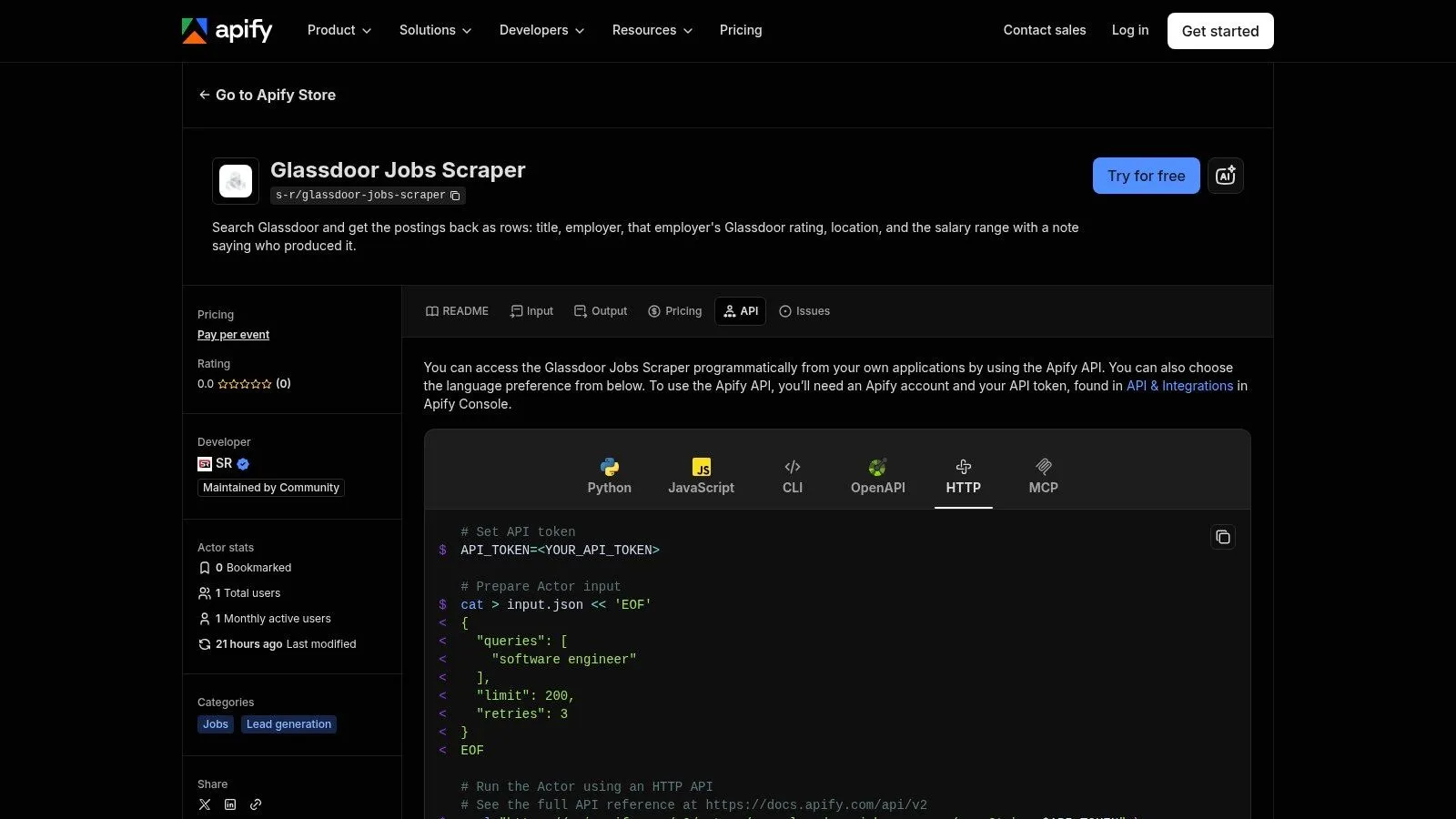
Apify fits a narrow but common decision: you want a runnable Glassdoor workflow faster than a custom build, but you still want developers to keep control of scheduling, outputs, and downstream use. That places it in a different category from self-serve export tools and from managed delivery vendors. The unit of value is the actor itself.
For a bounded workload, that model is efficient. A recruiting analytics team might need weekly job pulls from a fixed set of company or keyword URLs, with results sent to storage or a webhook. Apify handles that pattern well because the actor, runtime, and orchestration tools already exist inside the same environment. You are buying time to first dataset, not outsourcing long-term collection risk.
The constraint shows up later, in maintenance ownership and schema dependence.
Apify’s Glassdoor Jobs Scraper can reduce setup work, but it does not remove the need to validate field coverage, monitor run quality, and test for breakage when Glassdoor changes page behavior. That matters more on Glassdoor than on simpler targets. If your project expands from jobs into reviews, employer metadata, gated flows, or custom normalization rules, the actor model can start to feel narrow. At that point, your team is still responsible for deciding whether to patch the workflow, swap actors, or move to a managed pipeline.
Pricing deserves the same practical reading. Actor-based pricing usually works best when inputs stay controlled. A small list of URLs on a schedule is easier to budget than broad keyword expansion across locations and pagination depth. Teams that treat Apify as a contained extractor often get predictable value from it. Teams that treat it like an open-ended Glassdoor data program should expect closer run monitoring and more cost checking than the product page may suggest at first glance.
That is also where the comparison with WebscrapingHQ becomes clearer. Apify is justified when the workload is developer-owned, repeatable, and narrow enough to fit an actor without constant exceptions. WebscrapingHQ becomes easier to justify when the work includes custom fields, ongoing exception handling, or recurring delivery expectations that make actor maintenance a hidden operating cost rather than a technical convenience.
Use Apify if speed and programmability matter more than service depth. Validate it carefully if the brief includes unstable inputs, broader Glassdoor coverage, or business users who expect analyst-ready outputs without engineering support.
- Best fit: Developer teams that need a fast, scheduled Glassdoor jobs workflow inside an existing Apify-based stack.
- Main trade-off: Low setup burden at the start, but reliability and schema upkeep still sit close to your team.
- Website: Apify Glassdoor Jobs Scraper
5. Crawlbase
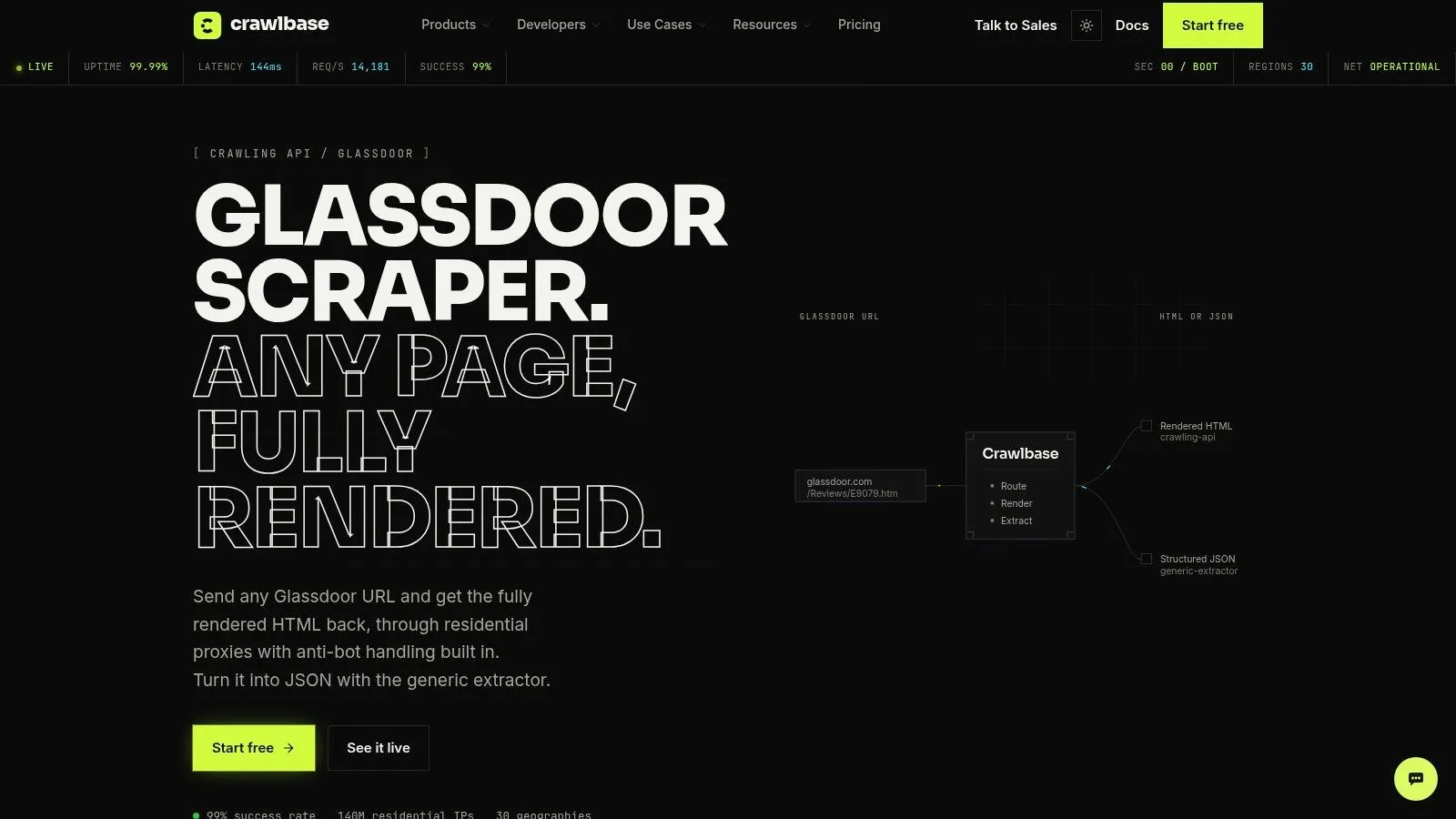
Crawlbase sits lower in the Glassdoor stack than several tools in this list. The practical buying decision is not “Which scraper has the most features?” It is whether you need a retrieval layer, a packaged extractor, or a managed data operation.
Crawlbase fits the first category. It helps with page fetching, anti-blocking, and rendered content delivery, then leaves schema design and field extraction to your team. For engineering groups building a Glassdoor pipeline into their own systems, that split can make sense. For teams expecting a review export, a job feed, or a business-ready dataset, it usually creates extra work rather than reducing it.
The distinction matters because Glassdoor workloads break in different places. Sometimes the hard part is access. Sometimes it is maintaining selectors across changing page structures, normalizing fields across jobs and reviews, and deciding what to do when pages only partially load.
Crawlbase mainly addresses the first problem.
That narrower scope is neither a flaw nor a hidden bonus. It places Crawlbase closer to infrastructure than to a self-serve Glassdoor product. If your analysts need CSVs, stable review fields, or a predictable schema without developer intervention, this is the wrong operating model. If your developers already own parsing logic and want more control than an off-the-shelf actor or exporter allows, Crawlbase is easier to justify.
Policy exposure also stays with the operator. Glassdoor’s terms explicitly restrict scraping and commercial reuse, according to the Conduct Atlas summary of Glassdoor’s use policy. A fetch layer does not change that. It changes who handles the implementation burden.
A useful test is maintenance ownership. If the team is comfortable monitoring HTML drift, updating extraction logic, validating outputs, and managing proxy behavior as noted earlier, Crawlbase can be a sensible building block. If those tasks will become recurring operational overhead, a managed pipeline such as WebscrapingHQ may cost more upfront but reduce failure handling, schema cleanup, and exception management over time.
- Best fit: Engineering teams that want Glassdoor retrieval infrastructure and prefer to keep parsing, schema design, and downstream QA in-house.
- Main trade-off: Control is high, but pricing clarity on a full Glassdoor workflow depends on how much internal maintenance your team can absorb.
- Website: Crawlbase Glassdoor Scraping
6. Outscraper
Outscraper is useful precisely because it does less.
For Glassdoor work, that matters. A large share of demand is not a developer trying to build a multi-entity pipeline. It is an analyst, recruiter, or employer-brand manager who needs review rows in CSV or Sheets format, with little interest in proxies, parsing logic, or schema design. Outscraper sits in that self-serve export category. The operating model is the product.
That makes the evaluation straightforward. If the workload is periodic review collection for a defined list of companies, a spreadsheet-first tool is often more practical than an API or an Apify actor. The handoff is simpler, the output is easier to inspect, and the team can start analysis without engineering support. Outscraper also exposes API access on paid plans, which gives mixed technical teams a way to move from manual exports to light automation without replacing the tool.
The constraint is scope.
Outscraper appears strongest when reviews are the main unit of analysis. That narrower focus can be an advantage because review datasets often need stable text fields, dates, ratings, and employer identifiers, not an oversized Glassdoor schema that mixes jobs, salaries, and profile metadata with uneven coverage. Teams doing reputation tracking, qualitative coding, or recurring sentiment checks usually benefit from that narrower structure. Teams that need cross-entity joins or custom extraction logic usually outgrow it faster.
Pricing visibility is also part of the appeal. Compared with providers that require sales contact before a buyer can estimate total workflow cost, a self-serve exporter is easier to test and easier to budget for small projects. The trade-off is that maintenance is only partially outsourced. The user avoids browser automation and extraction setup, but still needs to validate field consistency, confirm the target URLs work as expected, and decide whether the exported schema is sufficient for downstream analysis.
That distinction helps clarify where WebscrapingHQ fits. If the job is to get review rows into a tabular file, Outscraper is often enough. If the requirement expands into custom schema mapping, exception handling across many target companies, recurring QA, or integration into a broader data workflow, a managed pipeline starts to make more operational sense, even if it requires more upfront validation.
Use Outscraper for self-serve review exports with limited engineering involvement. Choose another model if the actual need is a maintained Glassdoor data operation rather than a clean export.
- Best fit: Analyst-led or mixed technical teams that need review exports quickly and want a self-serve path before committing to a managed pipeline.
- Main trade-off: Good pricing visibility and simple review workflows, but limited flexibility for broader Glassdoor coverage or custom data operations.
- Website: Outscraper Glassdoor Reviews Scraper
7. Livescraper
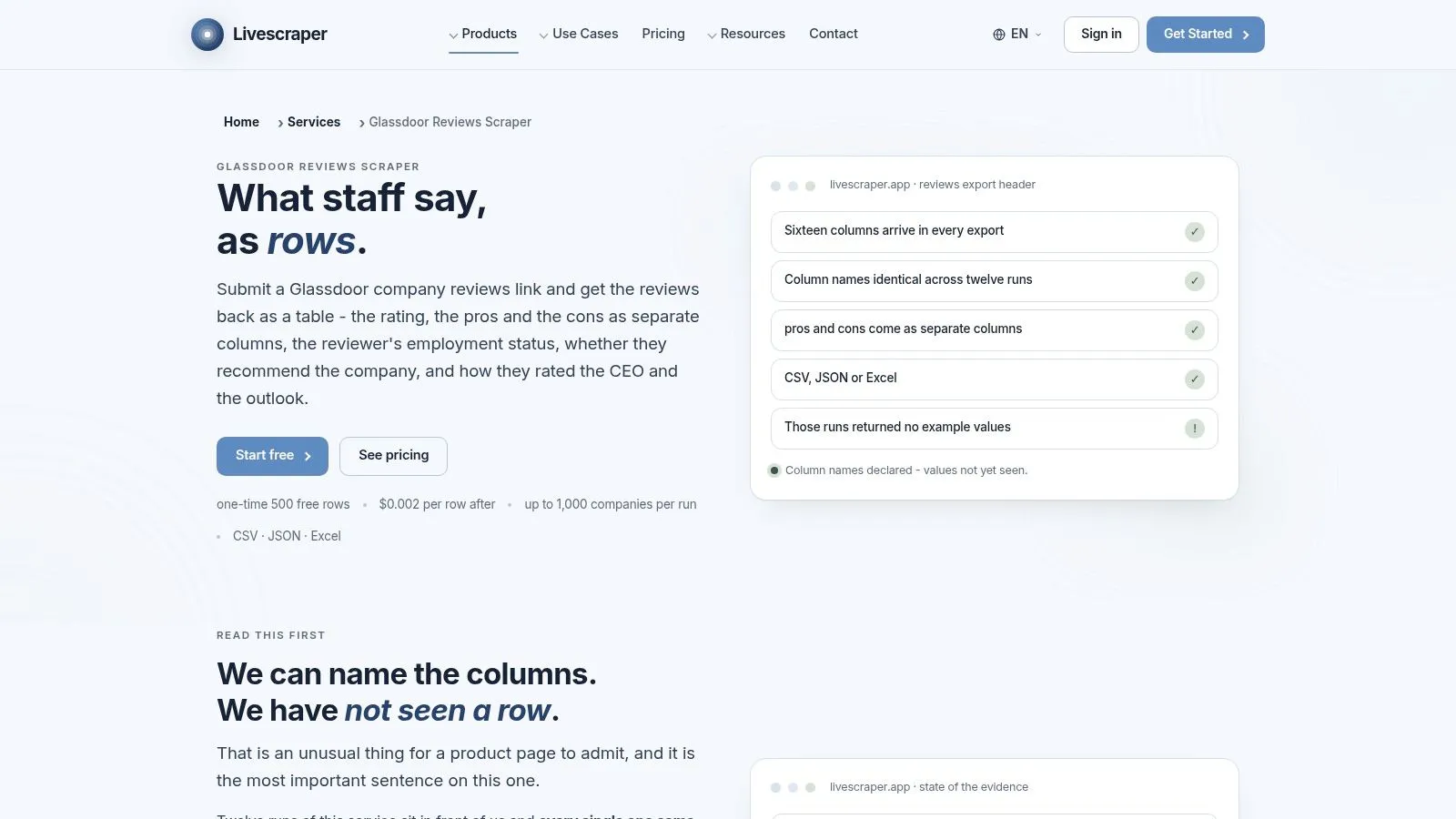
Livescraper sits in a narrower category than full scraping platforms. It is not a developer API, an Apify actor marketplace, or a managed data pipeline. It is a task-specific Glassdoor review exporter with controls around URL input, row limits, and sort order.
That operating model matters more than the feature list.
If the workload is recurring review collection for a fixed set of employers, Livescraper’s scope can be efficient. An analyst can define the target pages, pull normalized rows, and avoid building extraction logic from scratch. The product page also shows a useful bias toward incremental collection. For monitoring teams, “latest visible reviews from known URLs” is often the job, not a broad crawl across every Glassdoor surface.
The constraint is the same one that applies to many fixed-workflow exporters. You inherit the vendor’s schema and collection assumptions. If your downstream process needs custom field mapping, exception handling across many company page variants, or reliability commitments tied to SLAs, this category starts to show its limits.
Livescraper is candid enough to make that evaluation easier. Its page notes that some test runs returned empty rows. That disclosure is helpful because it points to the right buying behavior. Treat the free tier as an operational test. Confirm output completeness on the exact company URLs, review volumes, and sort patterns your team plans to use.
That is also the point where the comparison with WebscrapingHQ becomes practical. If Livescraper works on your target set and the job is limited to repeat exports, the lighter tool may be sufficient. If failure handling, schema changes, QA, and broader workflow integration matter more than self-serve speed, a managed pipeline is easier to justify despite the higher coordination cost.
Use Livescraper for bounded review-monitoring work with a known schema and a small validation surface. Buy something broader only if the requirement is broader.
- Best fit: Analyst-led teams running repeat Glassdoor review exports from a defined list of company URLs.
- Main trade-off: Clear scope and low setup burden, but limited flexibility and a stronger need to validate stability before relying on it.
- Website: Livescraper Glassdoor Reviews Scraper
8. Thunderbit
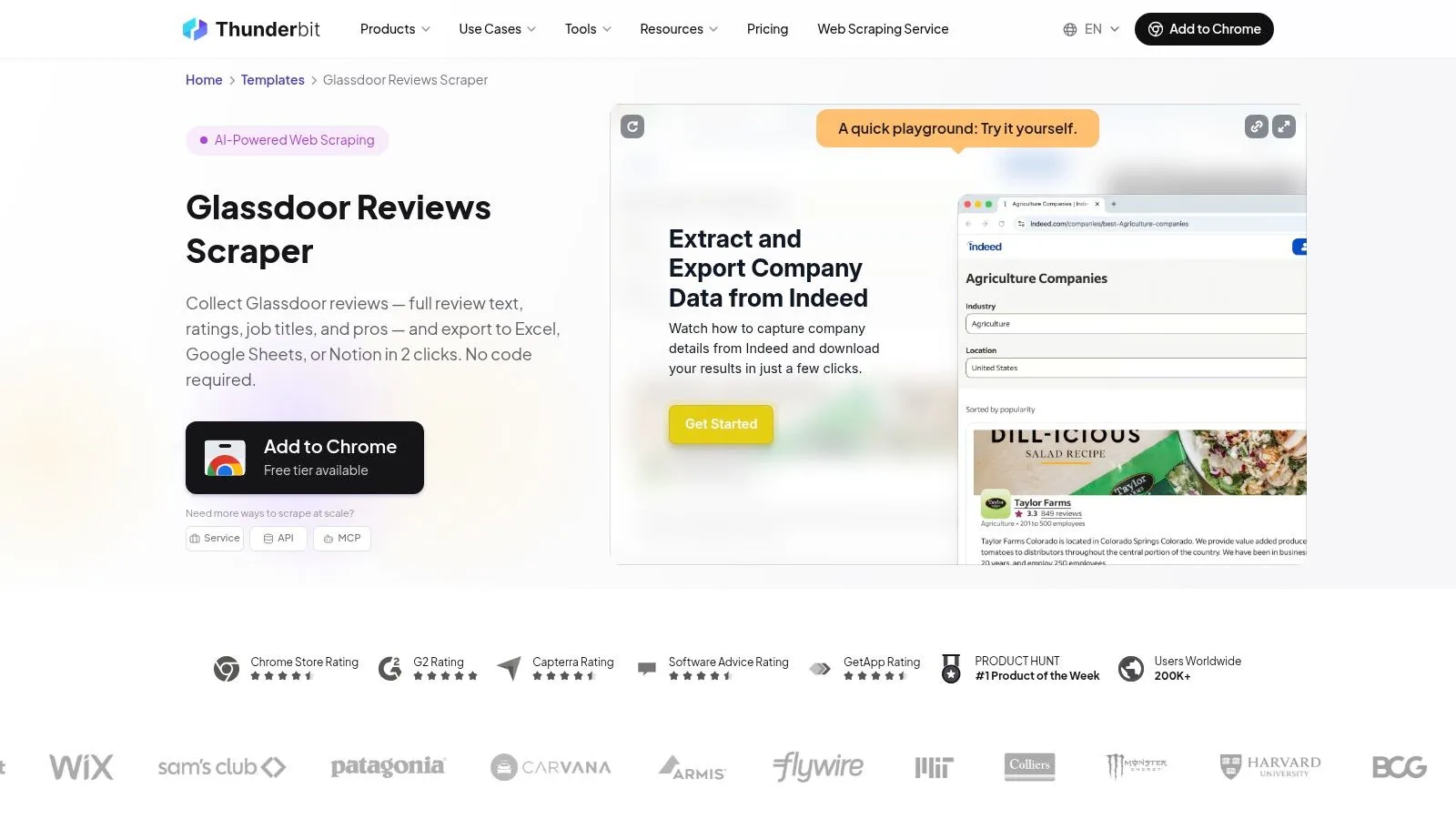
Thunderbit is less a scraping platform than a browser productivity layer with a Glassdoor template attached. That distinction matters because it changes the buying decision. You are not choosing between two data providers with similar operating models. You are choosing between a self-serve capture workflow and a system built for repeat extraction under changing page conditions.
For a specific kind of workload, that is perfectly rational. An analyst who needs a quick export of review text, ratings, or company details into Sheets or Notion may get value faster from a browser extension than from an API integration or an Apify-style actor. The operating cost is low at the start because setup happens inside the tools the analyst already uses.
The trade-off shows up later, in maintenance rather than onboarding. Browser-driven collection inherits the instability of the page session itself. Glassdoor content can be gated by login flows, dynamic rendering, pop-ups, or anti-automation checks. A template can still work well for bounded tasks, but the failure mode is usually inconsistent output rather than a clean technical error, which creates extra QA work.
Thunderbit appears strongest as a self-serve export option, with broader service and API paths available if the use case expands. Public pricing and scope should still be validated against the exact Glassdoor pages you need, because “supports Glassdoor” is not the same as supporting your target fields, pagination depth, or rerun frequency.
That is the practical comparison with WebscrapingHQ. If the job is analyst-led, small in volume, and tolerant of manual verification, Thunderbit may be enough. If the workflow needs custom schema mapping, monitored runs, failure recovery, or delivery into production systems, the economics shift toward a managed pipeline because the ongoing maintenance burden stops sitting with the analyst.
Use Thunderbit when convenience is the priority and the collection job is narrow enough to test URL by URL.
- Best fit: Self-serve Glassdoor exports for analyst workflows in Sheets, Notion, or similar tools.
- Main trade-off: Fast setup and familiar UX, but higher validation burden as page behavior, gating, or schema requirements become more complex.
- Website: Thunderbit Glassdoor Reviews Scraper
9. WebAutomation.io
WebAutomation.io fits a different buying decision from self-serve Glassdoor scrapers. It sells employer-intelligence workflows and recurring review monitoring, not just extraction runs. For teams that need tracked outputs across Glassdoor, G2, and Capterra, that operating model can remove a large share of the maintenance work that would otherwise sit with analysts or developers.
The trade-off is visibility.
Compared with API vendors, browser extensions, or Apify actors, the public material points more to service scope than to field-level detail. That shifts the evaluation from feature comparison to delivery validation. Ask for a sample schema with review text, rating, date, and company URL, plus a documented refresh SLA before committing. Also verify whether historical backfills, source-specific deduplication, and export destinations are part of the base service or custom work.
That distinction matters because a managed pipeline is only better if the workload justifies it. If the job is recurring employer sentiment reporting, cross-source monitoring, or delivery into internal BI and AI systems, a service model can be rational. If the need is a narrow Glassdoor pull with analyst review and limited reruns, a lighter tool usually carries less process overhead.
Compliance still sits with the buyer. Independent guidance on Glassdoor scraping risk notes that public visibility does not automatically permit automated collection or commercial reuse, especially where downstream monetization or redistribution is involved, as discussed in Tendem’s analysis of Glassdoor scraping compliance risk. A managed vendor may handle collection operations, but internal legal and policy review still need to happen.
WebscrapingHQ is easier to justify when Glassdoor data has to land in production systems with custom schema mapping, monitored refreshes, and explicit failure handling. WebAutomation.io makes more sense when the business is buying an ongoing employer-intelligence output and accepts a service-led scoping process.
- Best fit: Teams buying recurring employer-intelligence deliverables rather than running a self-serve Glassdoor workflow.
- Main trade-off: Lower internal maintenance, but buyers need to validate schema coverage, refresh terms, and pricing through direct scoping.
- Website: WebAutomation.io
10. ReapX
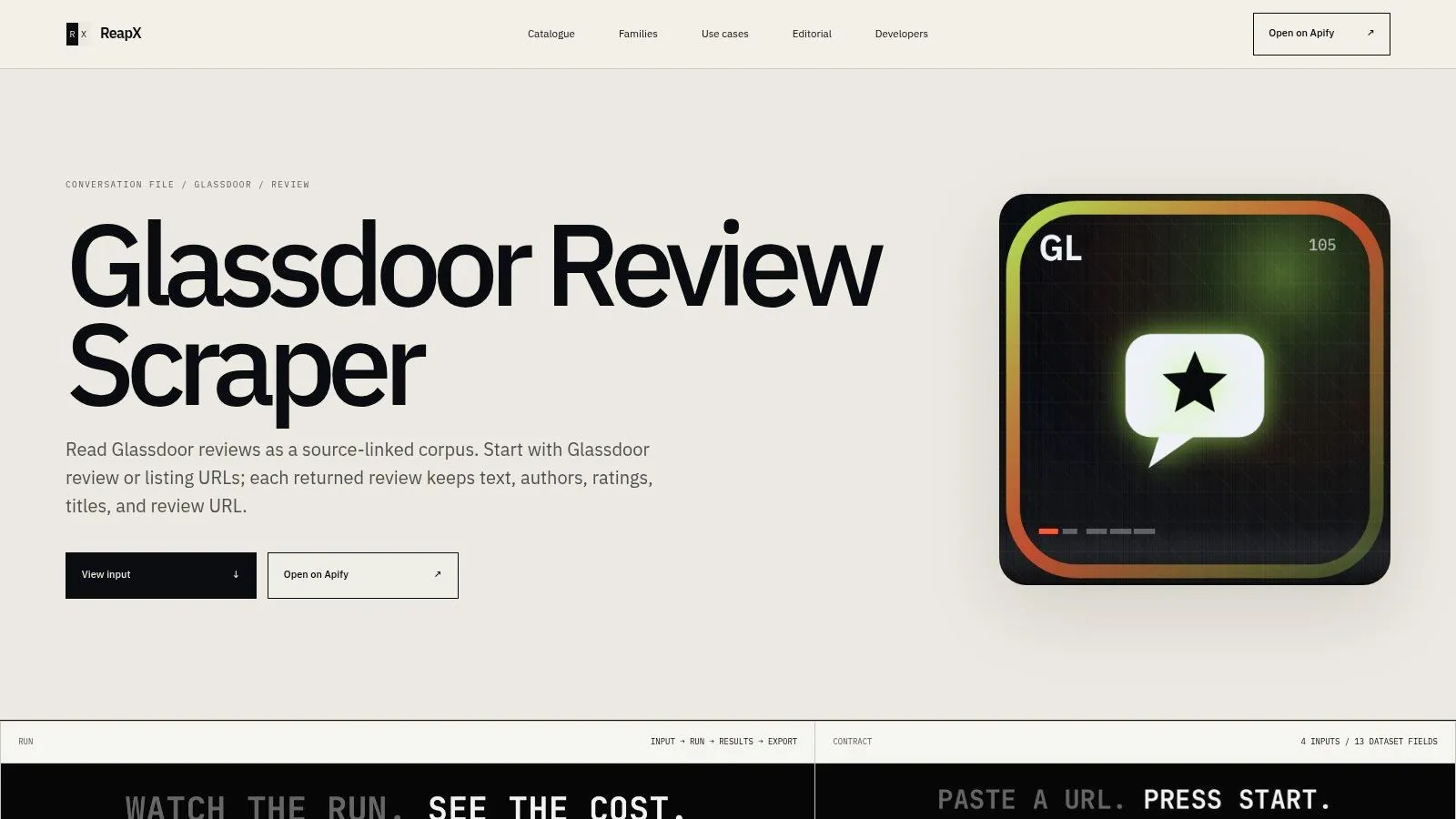
ReapX is easiest to assess by the operating decision it represents. It is an Apify-style actor for one narrow job: extracting Glassdoor reviews into a usable dataset. That makes it less relevant for teams comparing enterprise data pipelines and more relevant for analysts or developers who need review text quickly, with limited setup and visible outputs.
The practical appeal is straightforward. If the workload is employer review monitoring, prompt testing for LLM classification, or sentiment analysis on a defined set of companies, a review-specific actor can reduce prep work because the schema is already oriented around titles, ratings, review text, and related metadata.
That same specialization limits its role.
ReapX is a better match for bounded review collection than for broad Glassdoor coverage, especially if the project may later require jobs, salary pages, enrichment across sources, or tightly controlled delivery into internal systems. In those cases, the maintenance question matters more than the first export. Actor-level tools can be efficient at the start, but long-term reliability depends on how actively the actor is maintained, how schema changes are handled, and what happens when extraction breaks.
Pricing and support depth also need validation before adoption. Public product pages can show the product exists and clarify scope, but they often do not answer the operational questions buyers care about, such as refresh reliability, failed run handling, or how quickly selectors are updated after site changes.
A sensible use case is a team that already works inside Apify or a similar workflow and wants a self-serve review corpus without commissioning a managed pipeline. If the requirement later expands into monitored recurring delivery, custom schema mapping, or downstream production dependencies, WebscrapingHQ becomes easier to justify because the operating model shifts from tool usage to managed data delivery.
Where ReapX fits: Small-scale or mid-volume Glassdoor review extraction for text analysis, QA datasets, and analyst-led research.
What to verify first: Maintenance cadence, export schema, pricing terms, and support responsiveness.
Website: ReapX Glassdoor Review Scraper
Top 10 Glassdoor Scrapers, Features & Pricing Snapshot
| Service | Core features | Target audience | Delivery & outputs | Pricing & engagement | Unique selling points |
|---|---|---|---|---|---|
| WebscrapingHQ | Managed web-data ops; computer vision + LLM parsing; schema versioning; anti-bot & CAPTCHA handling | Enterprise & growth-stage teams needing SLA-backed recurring data | PDF compliance reports, CSV/JSON, S3, webhooks, dashboards; multi-geo/multi-lang pipelines | Recurring from ~USD 500/mo; 30‑min scoping call; 24h feasibility reads; recurring or campaign models | Production-grade reliability; image intelligence; documented enterprise case studies; managed infra (proxies, retries, SLA) |
| Bright Data, Glassdoor Reviews Scraper API | Prebuilt Glassdoor Reviews & Jobs scrapers; built-in unblocker, proxy rotation, scheduler | Teams needing domain-specific, scalable templates for review/job monitoring | S3/Azure/GCP/Snowflake; CSV/JSON/NDJSON; scheduler | Usage-based; 5,000 free credits/month to test | Integrated proxies/unblocking; fast time-to-first-data |
| Oxylabs, Jobs Scraper via Web Scraper API | Universal jobs scraper; SDKs (Py/JS/Go/Java/C#); scheduler, retries, rate governance | Dev teams standardizing on Oxylabs infra and SDKs | Realtime API, proxy endpoints, scheduled jobs; JSON/CSV outputs | Usage-based; many plans sales-assisted (budgeting via sales) | Mature API, strong docs & SDK ecosystem; robust fingerprinting/unblocking |
| Apify, Glassdoor Jobs Scraper (Actor/API) | Ready-to-run Actor; Run/Run-Sync API; storage, scheduling, webhooks | Teams using Apify or wanting quick actor-based pulls | Dataset export; API endpoints; console/CLI/SDK clients | Per-run/event billing (Apify pricing model) | Fast setup with runnable actor; fits Apify workflows |
| Crawlbase, Glassdoor Scraper | Fetch/unblock layer returning page JSON/meta; API-first | Developers who want raw HTML/JSON to layer custom parsers | Structured JSON with meta, links, content for downstream parsing | Usage-based (API pricing) | Developer-friendly payloads; handles difficult fetches while leaving parsing to you |
| Outscraper, Glassdoor Reviews Scraper | No-code/low-code review extractor; CSV/XLSX exports; API on paid tiers | HR, research, analysts needing spreadsheet-ready data | CSV/XLSX exports; API available on paid plans | Pay-as-you-go with clear free tier and transparent pricing | Simple, fast path to Excel/Sheets; clear pricing for pilots |
| Livescraper, Glassdoor Reviews Scraper | Normalized rows (16 review columns); supports up to 1,000 companies/run; scheduling | Non-developers needing bulk exports and scheduled monitoring | CSV/JSON/Excel; monitoring options; scheduled runs | Pay-as-you-go; free starter rows | Straightforward UI; sensible monitoring controls (date/relevance) |
| Thunderbit, Glassdoor Reviews Scraper (no-code) | Chrome-installable template; 2-click exports to Sheets/Notion; demo playground | Analysts wanting lightweight exports into productivity tools | Exports to Google Sheets, Excel, Notion; template + upgrade paths | Free template; paid API/service upgrades | Minimal setup; friendly analyst UX with upgrade options |
| WebAutomation.io, Employer Intelligence (Glassdoor coverage) | Managed pipelines for review/employer sentiment; delivery for AI/analytics | Teams wanting delivered feeds/reports (no crawler upkeep) | Recurring data feeds/reports tailored for analytics/AI pipelines | Contact-based onboarding and scoped pricing | Fully managed service focused on employer intelligence and KPI outputs |
| ReapX, Glassdoor Review Scraper (Apify-based) | Apify Actor returning review text, author, rating, URL; visible schema | NLP/text-analytics teams needing review corpora | Apify dataset export; runs within Apify ecosystem | Pay-per-run via Apify; maintainer-dependent support | Review-centric schema aligned to NLP & topic modeling workflows |
Choose the Operating Model, Not Just the Tool
The common mistake in Glassdoor web scraping is shopping for extraction features before defining the operating model. That’s how teams end up with the wrong kind of tool for the job. A simple exporter gets forced into recurring monitoring. A developer API gets handed to non-technical users. A managed service gets bought for work that only needed a spreadsheet once a quarter.
The cleaner decision path starts with the workload. If you need a small, occasional review pull for analysis in Excel or Sheets, a no-code exporter such as Outscraper, Livescraper, or Thunderbit is often enough. These tools are easiest to justify when the refresh cadence is light, the schema is narrow, and someone can manually validate outputs before use.
If you need repeatable runs inside an automation stack, Apify-based actors such as the Apify Glassdoor Jobs Scraper or ReapX’s review actor are usually the next step up. They’re a good fit when the collection pattern is well bounded and your team already understands run scheduling, dataset export, and actor-level maintenance trade-offs. They can be very efficient, but they still require realism about support depth and breakage ownership.
Developer APIs such as Oxylabs and Crawlbase make more sense when your team wants control. That usually means custom parsing, multi-source integration, and internal engineering ownership for extraction logic. Bright Data sits between the actor and API worlds. It offers a more productized lane for recurring Glassdoor collection, but it still expects the customer to own more of the workflow than a managed provider would.
Managed providers become justified when reliability matters more than self-service control. That is where WebscrapingHQ is most relevant. If the requirement includes recurring delivery, multiple sources, multiple geographies, schema governance, monitoring, or SLA-backed operations, the cost of not owning the scraping stack yourself can be lower than the cost of maintaining it badly. That doesn’t make WebscrapingHQ the universal answer. It makes it the right answer for a specific kind of problem.
Before you choose any option, test representative Glassdoor URLs, not demo URLs. Verify the exact fields you need. Confirm output formats, refresh cadence, and whether retries or reruns are included. Estimate how usage-based pricing behaves when scope expands. Decide who owns failures when Glassdoor changes page structure, gating behavior, or anti-bot controls.
That last question usually decides the tool more accurately than any feature checklist.
If your Glassdoor project needs more than a one-off export, WebscrapingHQ offers managed web data operations that cover extraction, anti-bot handling, schema design, QA, and scheduled delivery. For recurring Glassdoor reviews, jobs, or multi-source employer intelligence workflows, visit WebscrapingHQ to scope a pipeline that your team doesn’t have to maintain itself.
Want this done for you?
Send us the URLs. We'll quote it in 24 hours.
Paste the URL(s) you want scraped. We'll reply within 24 hours with a feasibility check and a ballpark quote.