
Jump to section
- Table of Contents
- 1. Bright Data Web Unlocker
- Why practitioners use it
- 2. Oxylabs Web Unblocker
- Best fit
- 3. Zyte Zyte API
- 4. Decodo formerly Smartproxy Site Unblocker
- 5. NetNut Website Unblocker
- What to validate before buying
- 6. Rayobyte Web Unblocker
- Operational view
- 7. IPRoyal Web Unblocker
- Where it fits best
- 8. SOAX Web Data API unblocker style
- Where the bundle helps
- 9. Scrapfly Web Scraping API with Anti-Scraping Protection
- Why engineers like it
- 10. ScraperAPI Web Scraping API with Anti-Bot Handling
- Where it wins
- Top 10 Web Unblockers, Feature Comparison
- Choosing Your Path DIY Unblocking vs Managed Solutions
Blocked requests usually show up at the worst point in a scraping project. The selector logic is done, your parser works locally, and the first scheduled run hits a login wall, a JavaScript challenge, or an empty response that looks successful until you inspect the payload. That’s when a search for an unblocker sites list typically begins, quickly revealing a mess of school-filter bypass pages, unstable proxies, and a few serious products built for data collection.
This guide focuses on the second group. It treats “unblockers” as infrastructure for scraping protected sites, not as throwaway browser tricks. Some tools work best for fast experiments. Others make sense only when uptime, geo-targeting, and anti-bot handling matter enough to justify a managed API.
Free unblocker directories still circulate, but they’re volatile. Community-maintained lists change constantly, and even large public collections don’t tell you which domains are still usable in practice. If you want context on the consumer side of unblocking, Throughwire’s YouTube unblock guide is a useful contrast to the enterprise-grade tools below.
Table of Contents
Open Table of Contents
- 1. Bright Data Web Unlocker
- 2. Oxylabs Web Unblocker
- 3. Zyte Zyte API
- 4. Decodo formerly Smartproxy Site Unblocker
- 5. NetNut Website Unblocker
- 6. Rayobyte Web Unblocker
- 7. IPRoyal Web Unblocker
- 8. SOAX Web Data API unblocker style
- 9. Scrapfly Web Scraping API with Anti-Scraping Protection
- 10. ScraperAPI Web Scraping API with Anti-Bot Handling
- Top 10 Web Unblockers, Feature Comparison
- Choosing Your Path DIY Unblocking vs Managed Solutions
1. Bright Data Web Unlocker
A common production problem looks like this. The target site loads fine in a browser, then your scraper starts getting challenge pages, broken sessions, and inconsistent HTML once volume ramps up. Bright Data’s Web Unblocker is one of the first tools I evaluate in that situation because it shifts anti-bot handling out of your pipeline and into a managed API.
The appeal is not convenience alone. It is risk reduction for teams that care more about stable collection than squeezing every cent out of each request. Bright Data handles proxy rotation, browser-level behavior, cookies, and challenge resolution in one service, which cuts down the amount of custom retry logic and browser orchestration you need to maintain internally.
Why practitioners use it
From an operations perspective, the main question is simple. Is engineering time better spent tuning a browser fleet for one stubborn target, or is it cheaper to pay a vendor that already specializes in protected traffic? On hard ecommerce, marketplace, and search workloads, Bright Data usually makes sense when failed collection creates downstream reporting gaps or stale pricing data.
The trade-off is cost control. Managed anti-bot products are rarely the cheapest option, and Bright Data is usually easier to justify for high-value pages than for broad, low-margin crawling. If half your jobs hit simple pages and the other half hit aggressive defenses, a split strategy is often better: keep easy traffic on standard proxy infrastructure and send only the difficult paths through Bright Data.
It also helps to test where CAPTCHA volume comes from before committing budget. Teams that run this product successfully usually pair vendor evaluation with a review of their own challenge patterns, request pacing, and session behavior. This guide on handling CAPTCHAs in web scraping pipelines is useful context because some failures are caused by scraper design, not vendor quality alone.
Practical rule: Use Bright Data when reliability on defended targets matters more than minimizing per-request cost, and when you want a managed layer instead of owning anti-bot infrastructure yourself.
2. Oxylabs Web Unblocker
Oxylabs’ Web Unblocker product sits firmly in the enterprise tier. It fits teams running production data collection against defended targets, where the bigger concern is keeping jobs stable over time, not getting a quick proof of concept running this afternoon.
I usually look at Oxylabs as a procurement-heavy but operations-friendly option. If the target mix includes retail search results, travel listings, marketplaces, or SERPs with active bot detection, the value is less about any single feature and more about reducing the amount of anti-bot logic your own team has to maintain. That can be a good trade if engineering time is expensive or the scraping pipeline feeds revenue, pricing, or inventory systems downstream.
The product is best judged by failure modes, not feature lists. Oxylabs handles browser-level challenges, fingerprint rotation, retries, and IP management in one managed layer, which lowers the amount of custom retry and session code you need in the collector. The trade-off is cost and control. Teams that want to tune every request path themselves may find a managed product less flexible than combining standard proxies with their own browser stack. If that is your starting point, it helps to compare it against more traditional proxy servers for web scraping before deciding how much of the anti-bot layer to outsource.
Best fit
As noted earlier, Oxylabs belongs in the serious production group, but target behavior still varies widely. Some domains fail because of JavaScript execution. Others fail because sessions look synthetic over time, or because the scraper hits the same flow with unrealistic pacing. A vendor can reduce that burden. It cannot erase poor scraper behavior.
The main drawback is buying friction.
Teams that prefer transparent self-serve pricing often run into a slower evaluation cycle here, especially if they only need to test one stubborn domain. In practice, that means Oxylabs makes more sense when legal review, procurement, and vendor approval are already part of the normal buying process. Once approved, strong documentation and support can offset some of that overhead.
A practical way to qualify the fit:
-
Need a vendor for long-term, defended workloads: Oxylabs is a sensible candidate.
-
Need to test quickly with minimal sales involvement: The onboarding process may feel heavy.
-
Need help with repeated blocking across many targets: Review IP ban mitigation patterns for scraping systems because request behavior and session design still matter.
Oxylabs is a good fit when reliability, support, and vendor governance matter more than fast experimentation or the lowest per-request cost.
3. Zyte Zyte API
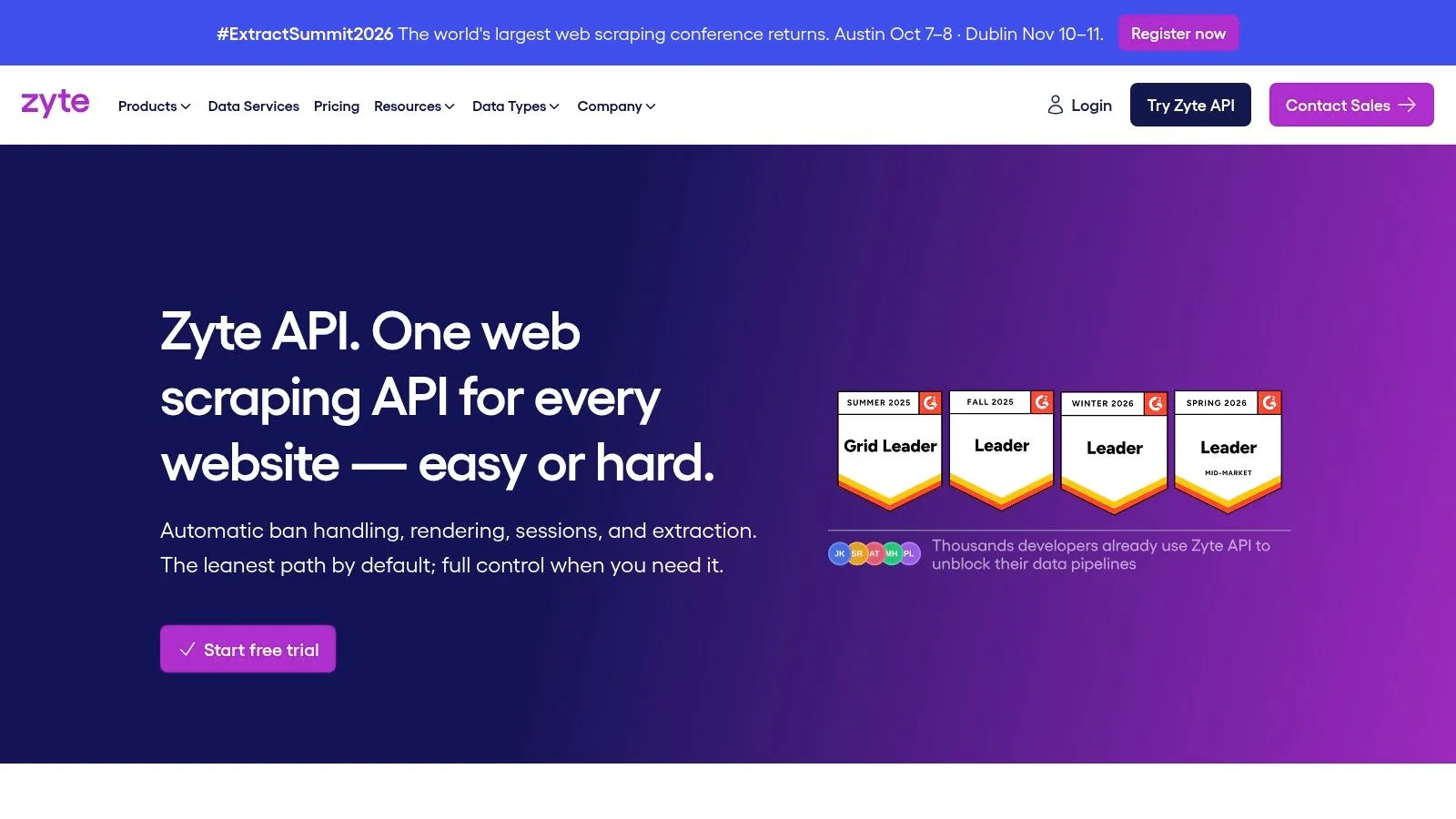
A common scraping failure looks like this. The proxy pool is fine, but the target still blocks requests because the crawler also needs JavaScript rendering, cookie continuity, and cleaner browser behavior over a full session. Zyte’s Zyte API is built for that kind of problem. It gives teams one endpoint for fetching pages, rendering when needed, and optionally returning parsed data.
That design changes the operating model. Instead of stitching together proxies, headless browsers, and retry logic yourself, you push more of the anti-bot and rendering layer into Zyte. For teams with Scrapy experience, that usually feels familiar. For teams that want full control over every network and browser decision, it can feel restrictive.
The practical upside is less application-side plumbing. I’ve found that matters most when a data pipeline is already spending too much engineering time on browser orchestration instead of extraction quality. Cleaner integration also helps when you need to get a crawler into production without building a large unblocking stack first.
The trade-off is cost and abstraction. If a target only needs good residential routing, Zyte can be more platform than you need. If the target is heavily defended, the extra spend can be justified because fewer scraper components usually means fewer failure points. Teams comparing Zyte against raw proxy vendors should also review proxy server options for web scraping workloads, because the right choice depends on whether your bottleneck is IP reputation, browser execution, or session fidelity.
Zyte fits best when the scraper is part of a broader data operation, not a one-off script. It is a strong option for teams that value lower maintenance and are willing to accept an opinionated API in exchange for that simplicity. If you need complete control over unblock logic and cost tuning at the request level, a lower-level proxy stack or a managed service may be the better fit.
4. Decodo formerly Smartproxy Site Unblocker
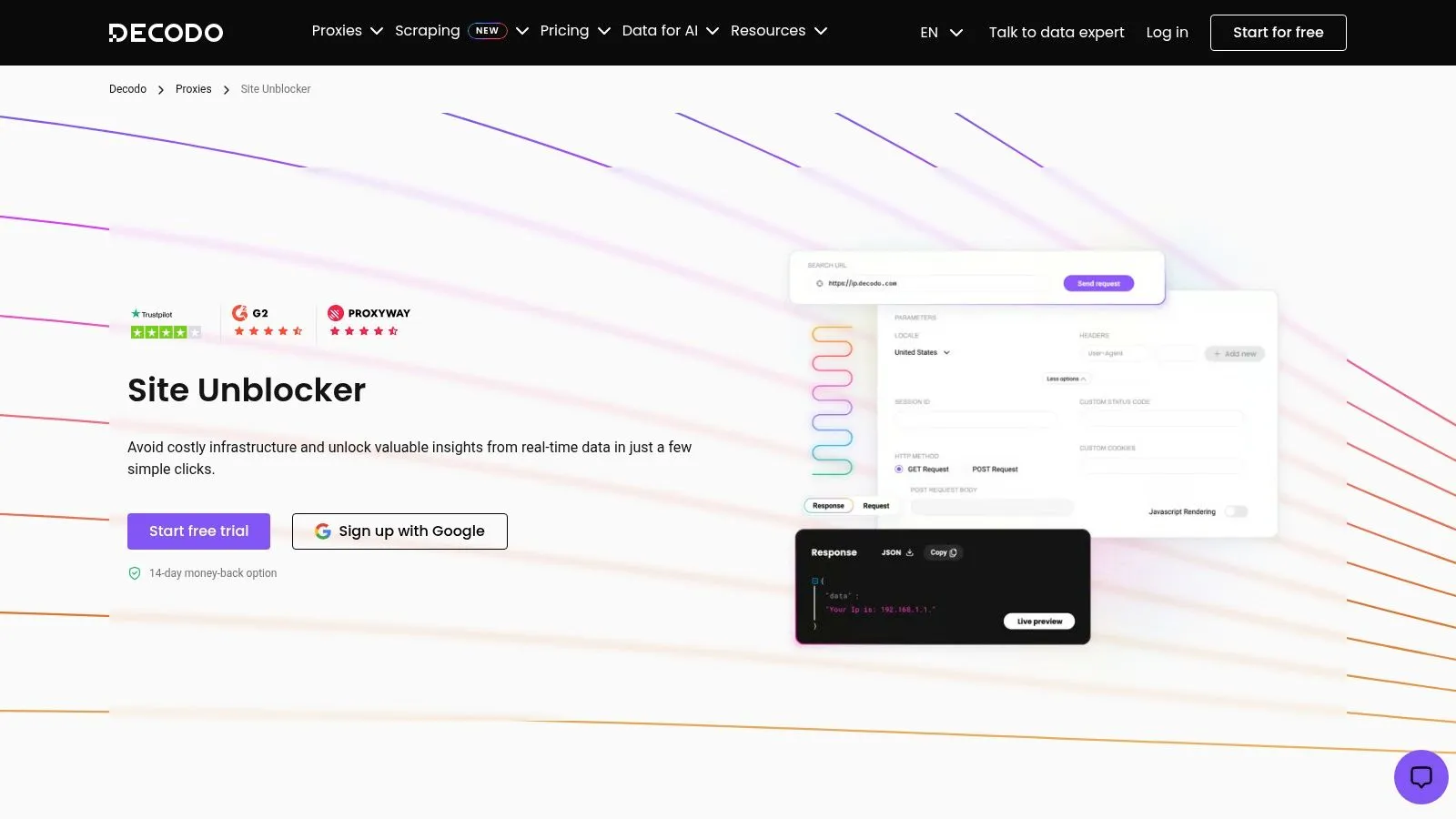
A common scenario is a team that has outgrown plain rotating proxies but is not ready to buy into a heavier managed platform. Decodo’s Site Unblocker sits in that middle tier. It gives you a single endpoint for proxy rotation, CAPTCHA handling, and anti-bot bypass, which reduces the amount of request plumbing you need to build yourself.
That simplicity is the main reason to test it.
From an operator’s perspective, Decodo fits best when engineering time is the constraint. If the scraper backlog is full of session issues, browser retries, and challenge handling, a simpler API can get collection jobs stable faster than a DIY stack. The trade-off is that you give up some tuning room, and that matters on targets where small changes in fingerprinting, geography, or session persistence can change success rates.
As noted earlier in the article, Decodo tends to sit below the strongest performers in broad unblocker comparisons. That does not rule it out. It means the economics need to be checked at the workflow level, not just the request level. A tool that looks cheaper upfront can become more expensive if your pipeline has to absorb more retries, more validation, and more parser failures caused by incomplete pages.
This is where buyer intent matters. For a small team running moderate-volume jobs across mixed targets, Decodo can be a sensible choice because setup is straightforward and the operational model is easy to understand. For a high-value pipeline, such as product monitoring where missing a small share of pages creates reporting gaps, the lower entry barrier may not offset the cleanup cost.
I would test Decodo on sites that are annoying, not impossible. It is a practical option for teams that want better odds than raw proxy rotation usually provides, but do not want a fully managed scraping platform to sit in the middle of every request.
A final check before buying: compare it against your existing proxy stack, not only against other unblockers. In some workloads, standard residential or mobile rotation is enough. If you are still deciding between those approaches, it helps to review proxy server options used in scraping workflows before paying for a dedicated unblocking layer.
5. NetNut Website Unblocker
A common NetNut evaluation starts after a team has already learned that proxy quality and unblocking logic are tied together. A job runs fine on easier domains, then falls apart on sites that score traffic based on ASN, IP reputation, and session behavior. In that situation, NetNut’s website and proxy platform is worth testing because the network design is part of the product, not just background infrastructure.
That matters if you are deciding between buying a smarter proxy layer and buying a managed service that hides more of the anti-bot work. NetNut tends to appeal to teams that still want control over request flow, session handling, and scraper logic, but need better odds than basic rotation provides.
What to validate before buying
As noted earlier in the article, providers in this category do not perform in the same range across hard targets. NetNut should be judged on your domains, your request pattern, and the kind of page you need back. A homepage fetch is one test. Consistent extraction from search, listings, and logged-out product detail pages is a different one.
The practical question is cost per usable response. If an unblocker clears the initial request but returns partial HTML, challenge residue, or unstable rendering, the savings disappear in retries and cleanup. I have seen teams focus on request pricing and miss the larger cost in parser maintenance and QA.
Validate these points before signing a contract:
-
Domain fit: Run trials on the exact sites that matter to your pipeline, especially the ones with stricter fingerprinting or aggressive rate controls.
-
Payload quality: Check whether you get complete content, stable status codes, and pages that parse the same way across repeated runs.
-
Session behavior: Test flows that require continuity, such as pagination, location-specific results, or multi-step navigation.
-
Operational burden: Measure how much custom retry logic, response validation, and exception handling your team still owns.
NetNut can make sense when IP quality is a meaningful part of the blocking problem and you want to keep more control than a full scraping API usually gives you. If your team lacks the time to monitor failures closely, tune sessions, and inspect bad responses, a more managed option may be cheaper in practice even if the unit price looks higher.
6. Rayobyte Web Unblocker
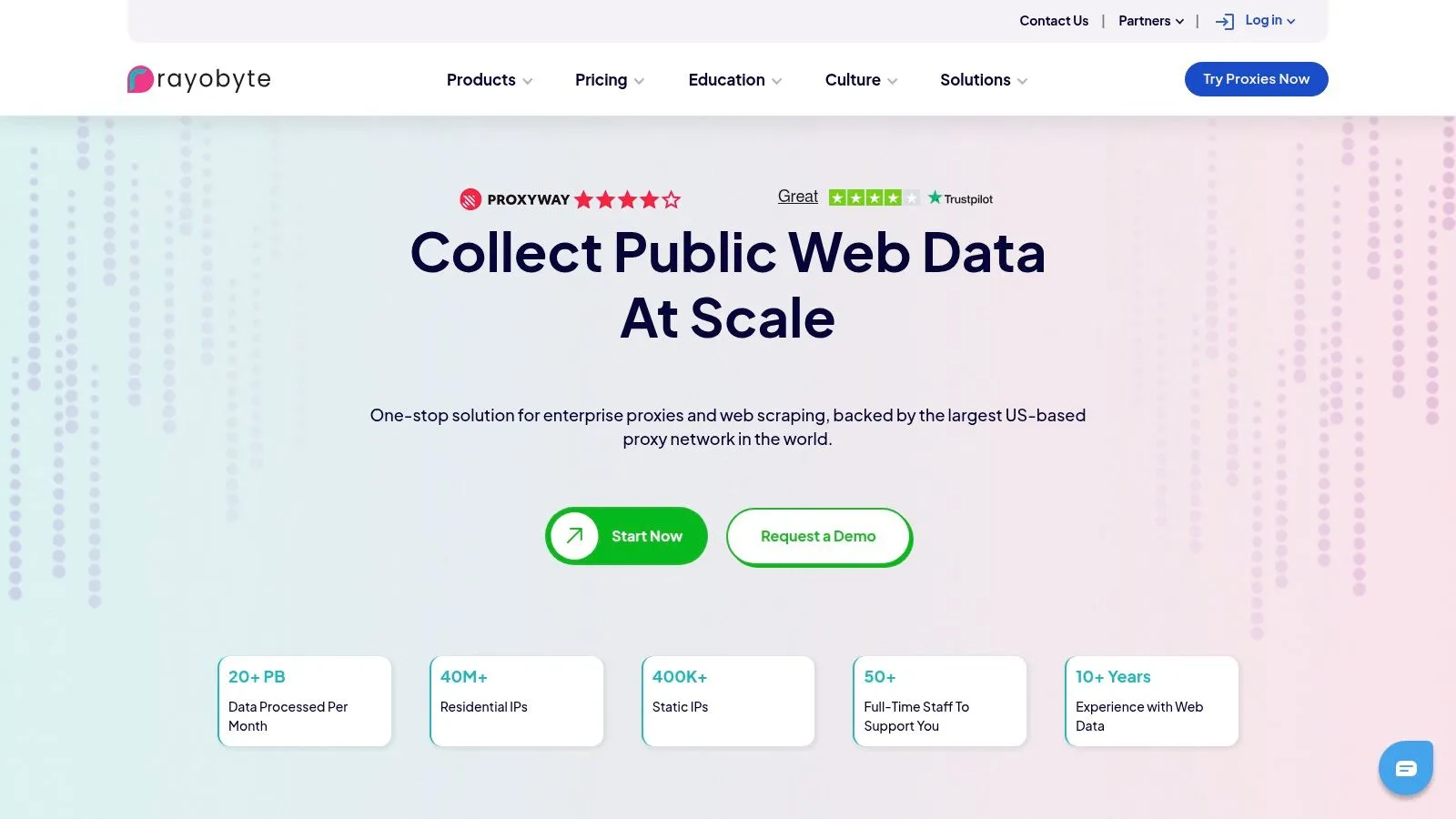
Rayobyte’s main platform is often easier to approach than some enterprise-first vendors because its public materials and support content are usually clearer about where the unblocker fits next to residential and ISP proxies. That matters when you’re still deciding whether you need managed bypass at all.
In practice, Rayobyte is a reasonable middle ground. It can make sense for teams that want automated retries, rotation, and CAPTCHA handling, but also want to keep one foot in a broader proxy strategy instead of moving every workload to a fully managed API.
Operational view
The trade-off is specificity. For some targets, the exact handling details matter more than the headline feature list, and those details may only become clear through testing or sales conversations. That’s common in this category, but it’s worth calling out because unblocker success is always target-dependent.
Rayobyte is also a reminder that an unblocker sites list often mixes very different product philosophies. Some vendors want to abstract everything behind one endpoint. Others expect you to combine managed bypass with session control and proxy-layer judgment in your own application.
A practical buying lens:
-
Good option for mixed workloads: Helpful when some jobs need unblockers and others just need quality proxies.
-
Less ideal for blind trust: You’ll still want target-by-target validation.
-
Best for teams that like support visibility: Public policy and support material can reduce procurement anxiety.
7. IPRoyal Web Unblocker
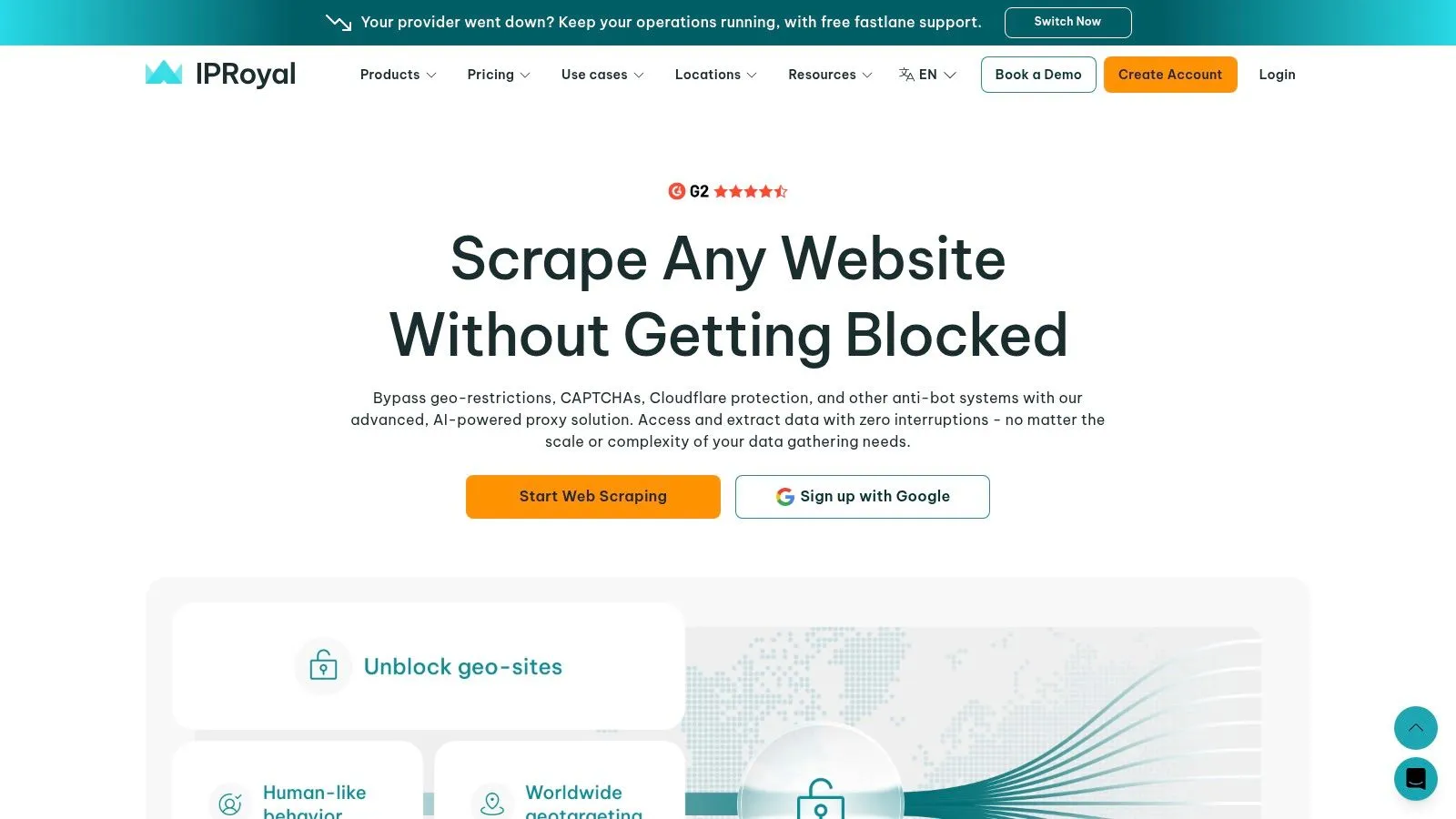
A common scenario is a team that needs results this week, not after a long sales cycle. IPRoyal’s Web Unblocker fits that phase well because the product is easy to access, the docs are self-serve, and the path from signup to first request is short.
From an operator’s perspective, that makes it a useful screening tool. If you are testing whether a managed anti-bot layer can raise success rates on a target set, IPRoyal gives you a relatively low-friction way to measure that before you commit engineering time to browser orchestration or a larger vendor contract.
I would still evaluate it with tight guardrails. Products in this tier can look good on straightforward targets and then lose consistency once you add heavier fingerprinting, session sensitivity, or stricter parsing requirements. That is not a knock on IPRoyal specifically. It is the normal trade-off with lower-entry services that optimize for fast adoption.
Where it fits best
IPRoyal is strongest as a feasibility and overflow option. It makes sense for small data teams, internal tooling projects, and early procurement work where the immediate question is simple: does a managed bypass layer improve collection enough to justify its cost?
The main risk is overgeneralizing from a quick pilot. If support responsiveness, retry behavior, or target-specific handling matters to your workflow, test with the exact sites, request patterns, and validation logic you plan to run in production. For difficult targets, cost per successful page matters more than sticker price.
That also puts IPRoyal in the broader context of this unblocker sites list. Public unblocker directories and free tools change constantly, which is why serious data operations usually shift toward paid APIs or managed services once reliability becomes part of an SLA. IPRoyal can be a sensible step in that progression, especially when the job is to validate demand first and standardize later.
8. SOAX Web Data API unblocker style
SOAX’s proxy and data platform takes a bundled approach. Instead of treating unblocking as a standalone product category, it packages proxy access with a Web Data API that can handle many of the same anti-bot problems teams usually associate with unblockers.
That can be efficient when your workload is mixed. Maybe one job needs social media collection with careful geo-targeting, another needs ecommerce pagination, and a third only needs stable residential sessions. A bundle gives you room to allocate the right mechanism by target.
Where the bundle helps
The upside is flexibility. A single commercial relationship can cover multiple proxy types and API-style collection, which simplifies vendor sprawl. Teams that scrape across markets often prefer that over assembling separate providers for each layer.
The downside is configuration risk. Bundled platforms can look simpler than they are. If the target is JavaScript-heavy or heavily fingerprinted, you still need to tune parameters correctly. Human-like sessions, smart rotation, and geo controls help, but they don’t remove the need for testing and response validation.
One broader market signal supports why these products keep expanding. Strategic Market Research projects the web unblocking and ad-blocker resistance market to grow at an 8.7% CAGR from 2024 to 2030, which fits what practitioners already see: anti-bot handling is becoming a standing operational requirement, not a one-off hack.
9. Scrapfly Web Scraping API with Anti-Scraping Protection
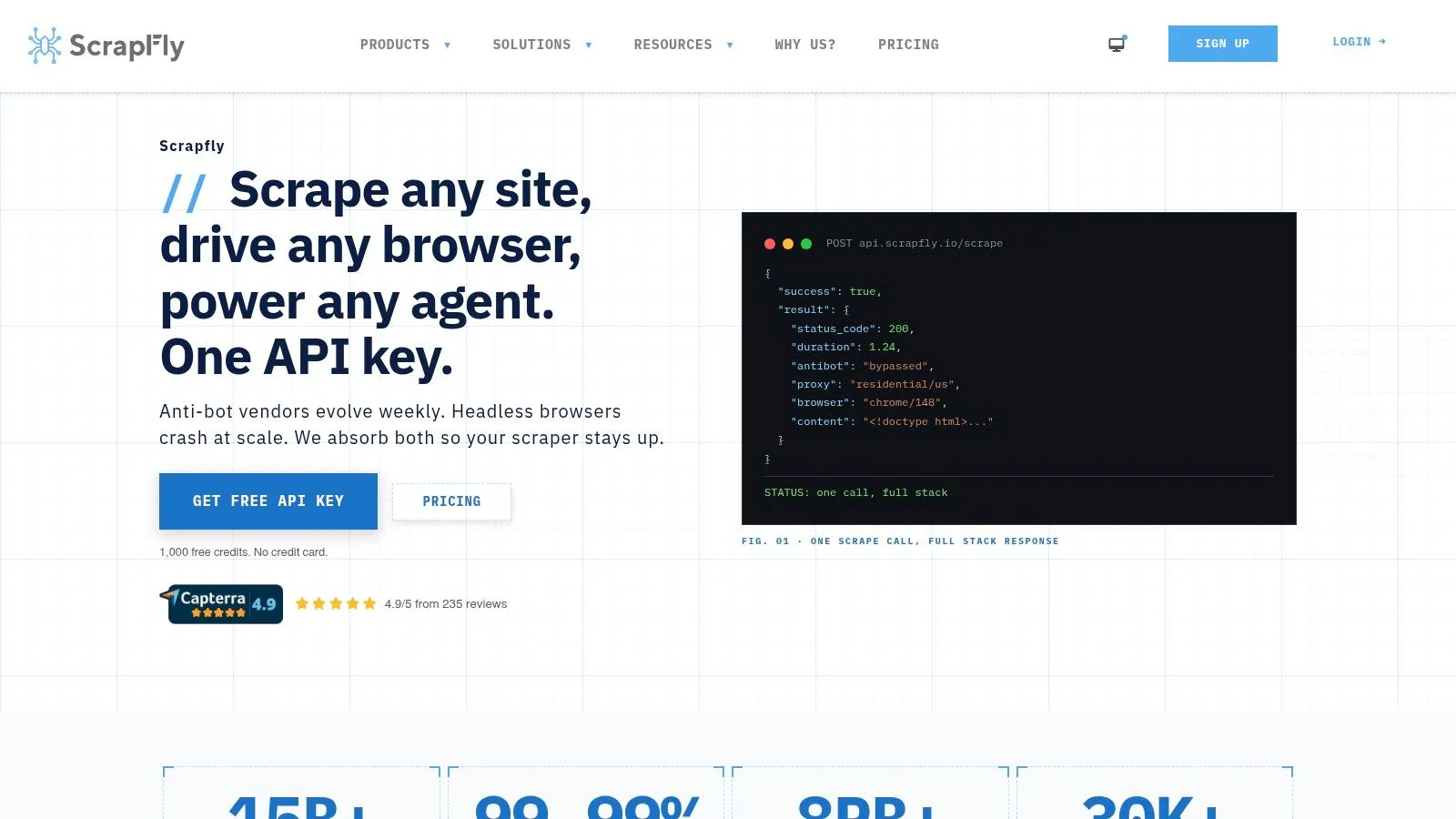
Scrapfly’s Web Scraping API is a good fit for engineers who want granular control over each request. Instead of hiding every cost and escalation behind a black box, it exposes anti-scraping protection as a configurable behavior with credit-based billing.
That design is useful when your workloads differ sharply by target. You can keep simple pages cheap and selectively escalate the expensive ones that require browser rendering, sessions, retries, or stronger anti-bot handling.
Why engineers like it
The strongest practical advantage is transparency. Credit-based models can get complicated, but at least you can reason about why one request cost more than another. For teams tuning a scraper over time, that feedback loop is valuable.
I also like Scrapfly for experimentation. Public documentation and active anti-bot maintenance make it easier to diagnose whether the issue is your parser, your request profile, or the target itself. It’s less ideal for buyers who want a fully abstracted service and don’t want to think about per-request trade-offs.
If you want control, Scrapfly is attractive. If you want the vendor to make every decision for you, it may feel too explicit.
10. ScraperAPI Web Scraping API with Anti-Bot Handling
ScraperAPI’s web scraping platform remains one of the simpler ways to get from blocked raw requests to usable API calls. It combines rotating proxies, retries, and CAPTCHA handling behind a straightforward REST interface, which is why teams often use it for fast prototypes.
The main reason to choose it is ease of integration. If you have an existing scraper that just needs a managed request layer, ScraperAPI is fast to slot in. That’s useful for proof-of-concept work and for internal teams that don’t want to maintain proxy orchestration code.
Where it wins
ScraperAPI also tends to be clearer than some competitors about when anti-bot handling costs more. That helps finance and engineering stay aligned when a protected domain starts consuming more credits than expected.
The trade-off is obvious once you hit harder targets. Credits can climb quickly, and success still depends on the site’s defensive stack. For serious browser-level defenses, your team may need to understand the target’s anti-automation model, not just flip a request parameter. If you’re using Playwright anywhere in the stack, this guide to anti-bot measures in Playwright is a useful companion.
There’s also a wider business context people miss. Public discourse around unblockers still skews toward schools and free proxies, while enterprise teams use similar capabilities for legitimate collection. One industry framing even notes that 31% of enterprise IT teams use unblocker-like proxy tools for operational use cases such as ad verification, competitive intelligence, and compliance auditing.
Top 10 Web Unblockers, Feature Comparison
A scraper that works on an easy catalog site can fall apart the moment you point it at a retailer with fingerprinting, aggressive rate limits, and browser checks. At that point, the comparison stops being about feature lists and starts being about operations: cost per successful page, failure behavior on protected targets, and how much anti-bot plumbing your team still has to own.
This table compares the ten tools from that angle.
| Product | Core features | Performance & reliability | Best for / Target audience | Pricing & access |
|---|---|---|---|---|
| Bright Data, Web Unblocking Service | Anti bot bypass, browser rendering, geo targeting, CAPTCHA solving, IP rotation | Large network, high success on difficult targets, but premium domains can get expensive fast | Enterprises scraping high value targets where reliability matters more than unit cost | Success based pricing, enterprise leaning, premium domain fees |
| Oxylabs, Web Unblocking Service | AI driven request handling, headless browser support, adaptive fingerprinting, dynamic IPs | Reliable on protected targets, strong enterprise posture, usually better suited to teams that can tolerate sales led procurement | Ecommerce, SERP collection, and larger teams dealing with defended sites | Plan tied pricing, detailed quotes typically go through sales |
| Zyte, Zyte API | Unified API, automatic proxy management, browser rendering, parsing helpers | Mature platform with a stable developer workflow, especially useful when you want one endpoint instead of managing many moving parts | Teams that want scraping infrastructure plus parsing support, especially those already familiar with the Scrapy ecosystem | Self serve pricing and calculators, advanced usage can raise cost |
| Decodo (formerly Smartproxy), Site Unblocker | Single endpoint, automatic rotation, CAPTCHA solving, trial access | Good ease of use for the price, usually a practical starting point for teams that need managed requests without enterprise overhead | Small teams, budget conscious projects, quick proof of concept work | Transparent product pages, lower entry cost, plan naming still changes over time |
| NetNut, Website Unblocker | Managed website access, ISP and residential hybrid sourcing | Strong fit when source quality matters, but buyers should verify how the network mix performs on their exact targets | Teams that specifically want ISP backed traffic and account support during evaluation | Pricing usually goes through sales, review sourcing and compliance details closely |
| Rayobyte, Web Unblocking Service | Retries, rotation, CAPTCHA handling, can be paired with proxy products | Often a reasonable middle ground on cost, with clearer policies than some competitors | Teams that want an accessible starting point and may later mix managed requests with direct proxy usage | Public pricing is available, some product specifics may still require sales contact |
| IPRoyal, Web Unblocking Service | IP rotation, header and fingerprint controls, geo options, URL testing tools | Easy to test quickly, though target level consistency can vary more than with higher priced enterprise tools | Smaller teams running experiments or validating whether a managed layer is enough | Lower cost entry, self serve access, test carefully before expanding usage |
| SOAX, Web Data API (unblocker style) | Proxies plus Web Data API, smart rotation, geo targeting | Flexible for mixed workloads where one team wants both API based collection and raw proxy access | Ecommerce, social, and search use cases that need broad location coverage | Bundled subscription model, economics depend on workload mix and target difficulty |
| Scrapfly, Web Scraping API (ASP) | Adaptive anti bot escalation, per request configuration, credit billing, free tier | Strong developer control with clear knobs for harder targets, but credit use needs monitoring | Teams that want fine grained request tuning and visibility into cost behavior | Credit based billing, calculator available, credit math can get complicated on protected domains |
| ScraperAPI, Web Scraping API | Rotating proxies, CAPTCHA handling, retries, anti bot credit mode | Fast to integrate for simple workflows, but harder targets can push costs up and still require debugging on your side | Developers running quick tests and small to mid sized scraping jobs | Self serve plans with credits, protected sites can trigger cost multipliers |
A few patterns show up once you compare these side by side. Bright Data and Oxylabs are usually shortlists for teams scraping difficult commercial targets at scale. Zyte often makes more sense when the goal is simplifying the stack, not just passing blocks. Decodo, Rayobyte, IPRoyal, and ScraperAPI are easier to trial, which matters if you are still validating a use case and do not want procurement to slow down engineering.
The trade off is simple. Lower entry cost and faster setup often mean more variance on harder targets. Higher end vendors usually improve success rates, but you pay for that through premium pricing, sales friction, or both.
That is why the right choice depends less on brand recognition and more on operating model. If your team already has parsers, monitoring, and retry logic, a self serve unblocking API can be enough. If every failed request creates downstream cleanup work in a larger data pipeline, paying more for consistency can be the cheaper decision.
Choosing Your Path DIY Unblocking vs Managed Solutions
A team usually reaches this decision after the same failure pattern. The first scraper works in staging, then production traffic hits a protected target, success rates drop, retries spike, browser costs climb, and someone realizes the core problem is not one blocked request. It is the operating burden around that request.
An unblocker only covers one layer of the stack. Real production scraping still needs request scheduling, browser execution, session handling, proxy routing, retries, parser checks, schema change detection, and monitoring when a target unexpectedly changes markup or starts serving partial responses. If those pieces already exist in your pipeline, adding an unblocker API can be a sensible upgrade. If they do not, the API often becomes another moving part your team has to support.
Free unblocker sites rarely fit professional data collection. Public domains rotate often, disappear without warning, and create obvious security and reliability problems. Even when one works for a quick test, it usually fails the basic standards a data team cares about: consistent uptime, predictable behavior, support for geo-targeting, and enough observability to diagnose why a request failed.
Managed unblockers improve one specific part of the system. They reduce the amount of anti-bot work your team owns and can improve success rates on harder sites. They do not solve data quality by themselves. You still need to check whether the page is complete, whether the session stayed authenticated, whether the returned HTML matches your parser assumptions, and whether the cost per usable record still makes sense once retries and protected targets are factored in.
The practical choice usually comes down to operating model and failure tolerance.
-
Choose a self-serve unblocker API if your team already runs scrapers in production, has logging and alerting in place, and can absorb some debugging when target defenses change.
-
Choose an enterprise unblocker if procurement, compliance review, SLAs, and high-friction targets matter more than quick setup or easy trial access.
-
Choose a managed data service if your bottleneck is not getting a page response, but keeping extraction stable, structured, and delivered on schedule.
I have seen teams underestimate that third option. They compare vendors at the request level, then spend months maintaining browsers, proxy pools, parser fixes, and exception handling around the vendor they picked. At that point, the cheaper API is not always the cheaper system.
That distinction matters most when scraping supports a larger business process. Ad verification, compliance checks, price monitoring, and multi-geo market intelligence all depend on reliable downstream data, not just occasional access to a page. In those cases, the better question is whether your engineers should own anti-bot infrastructure at all, or whether they should own the data contract and let a provider run collection.
For broader context on mobile-based routing in the proxy stack, this guide to mobile proxy uses helps clarify how much of the transport layer you may want to manage in-house.
If your team needs reliable data delivery rather than another tool to babysit, WebscrapingHQ is the more strategic option. They build and run managed extraction pipelines, handle proxy management and anti-bot mitigation, maintain schemas as sites change, and deliver structured outputs on a fixed schedule so your engineers can stay focused on product work instead of scraper upkeep.
Want this done for you?
Send us the URLs. We'll quote it in 24 hours.
Paste the URL(s) you want scraped. We'll reply within 24 hours with a feasibility check and a ballpark quote.