
Jump to section
- 1. Website Scrapers - Google My Business Scraper
- Where managed collection fits
- 2. Apify, Google Maps Scraper (Compass)
- 3. Scrape.do, Google Maps API
- 4. Litescrape, Google Maps Popular Times API
- Best for an existing venue inventory
- 5. Outscraper, Google Maps Scraper
- 6. Thordata, Google Maps Scraper API
- 7. Openscraper.ai, Google Maps Scraper
- Top 7 Google Popular Times Scrapers Compared
- Pick the Right Pipeline for Ongoing Foot-Traffic Data
Google Maps Popular Times scraper overview
A location study can return hundreds of listings, yet Popular Times charts appear for only some places. Even when a chart is available, it shows relative busyness, not the number of people inside. Treating those hourly patterns as complete foot-traffic counts can distort comparisons.
Google introduced Popular Times in 2015 as a Search and Maps feature. It shows how busy a place is relative to its own typical peak hour. Google says charts rely on aggregated, anonymized location data from people who opted into Location History or Timeline, and appear only when enough visit data is available. Because the reference period changes, scraped values are best treated as a normalized behavioral index, not visitor counts.
For a repeatable collection, compare tools by Popular Times field coverage, Place ID requirements, and cost per 1,000 records. Check whether an option returns historical charts and live-busyness values, whether you must supply Place IDs or can discover places through the tool, and how pricing changes at scale. The seven options below range from managed extraction to dedicated APIs, with different trade-offs in field coverage, setup, and maintenance.
1. Website Scrapers - Google My Business Scraper
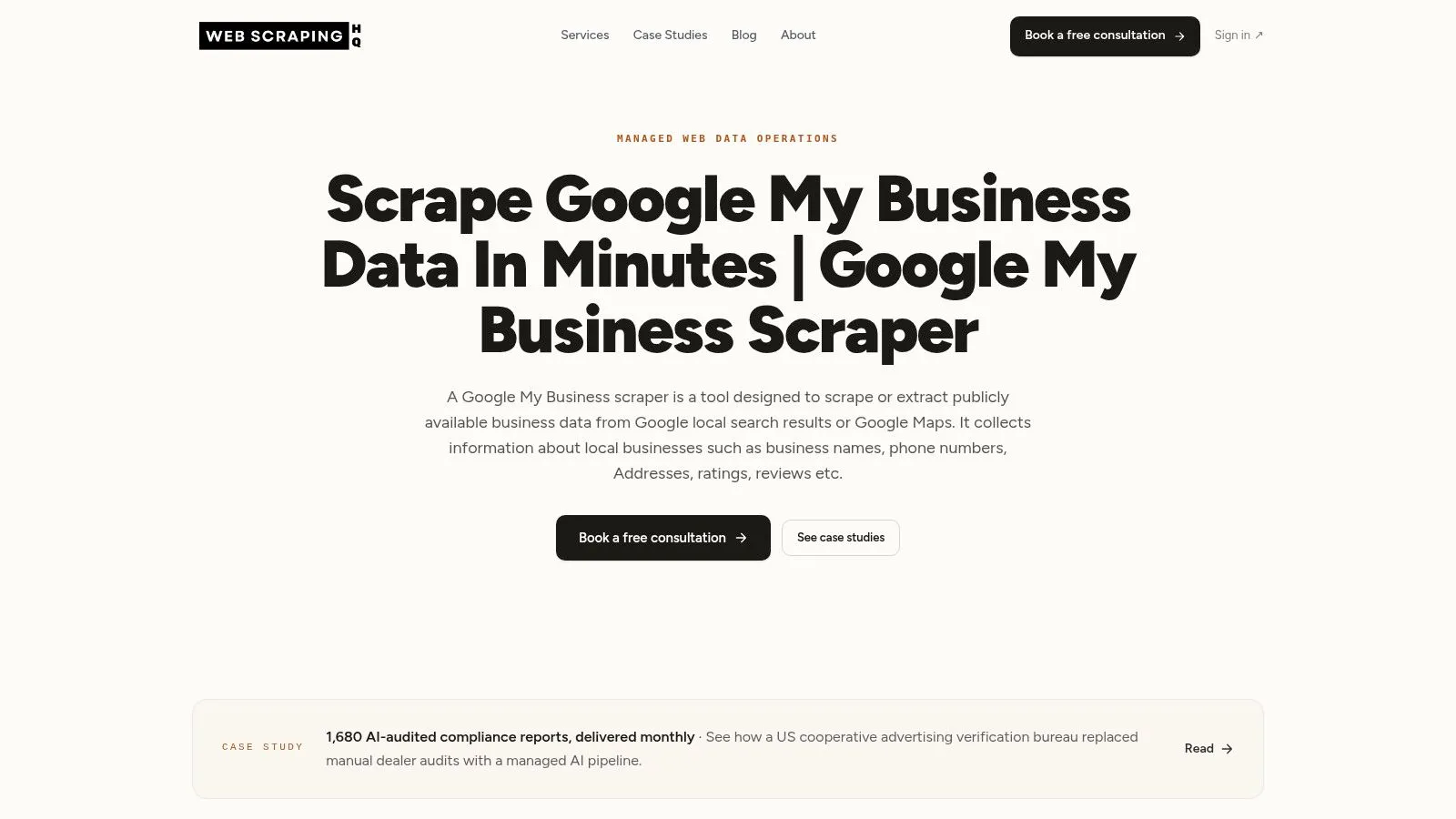
If your team needs recurring coverage across business listings and doesn’t want to maintain the extraction layer, WebscrapingHQ’s Google My Business Scraper is the managed-service option on this list. WebscrapingHQ describes custom extraction pipelines, structured delivery in CSV or JSON, and operational support such as monitoring, retries, and adjustments when a source changes. That can reduce the engineering work involved in building and tending a scraper yourself.
The important caveat is Popular Times field coverage. The available product information doesn’t specify whether the service returns Popular Times charts or live-busyness values, which places it supports, or how it handles missing charts. Don’t infer coverage from the product name. Ask the provider to confirm the precise fields, locations, delivery cadence, and schema before scoping a project.
Where managed collection fits
A managed pipeline is most useful when the requirement is more than a one-off export: for example, when your analysts need scheduled updates across multiple locations and a stable format for downstream reporting. WebscrapingHQ’s broader operations model includes monitoring and adjustments, but pricing and delivery terms aren’t specified on the product page, so those need a scoping discussion.
For a practical evaluation, provide a sample list of locations and ask for a trial output that includes the exact Popular Times fields you plan to analyze. Check how the result distinguishes an unavailable chart from a failed request or an absent field. That distinction matters when you’re comparing locations over time.
Coverage rule: Confirm that Popular Times is in the agreed schema. A general business-listing feed isn’t proof that hourly patterns are included.
For teams building local-search research workflows, WebscrapingHQ also discusses how a Google My Business scraper can support local SEO work. Treat that as related context, not confirmation of this scraper’s exact Popular Times output.
2. Apify, Google Maps Scraper (Compass)
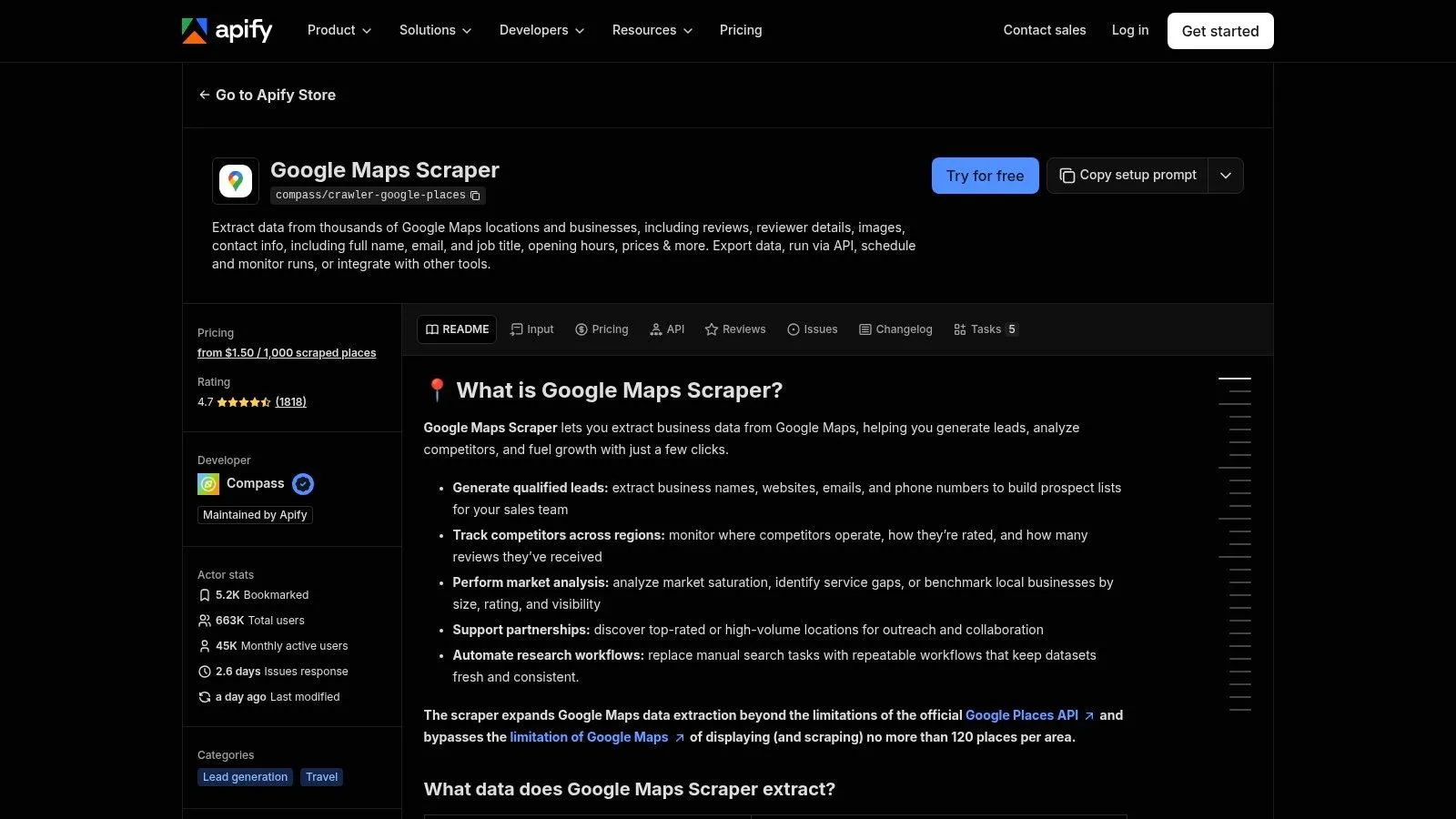
Apify’s Google Maps Scraper by Compass combines place discovery with structured listing collection. It searches by query and location, advertises Popular Times and live-busyness fields, and supports dataset exports, API access, and scheduled runs. The actor’s advertised base price starts at $1.50 per 1,000 places, but check the current configuration and billing details before scaling.
This tool can suit a workflow where you need to discover businesses and collect their place details in the same run. That’s different from a dedicated endpoint that expects you to provide Place IDs. You’ll still need to test whether the actor returns the histogram fields in the form your analysis expects, and whether results vary across the locations you care about.
The main trade-off is operational complexity. Apify’s actor model gives you run management and repeatability, but your team must understand its configuration and billing model. Popular Times also depends on Google showing a chart for that place, so a missing value doesn’t necessarily mean the run failed.
Start with a small set of known listings, inspect the dataset schema, and verify that missing charts remain distinguishable from errors. For background on discovery and collection choices, see WebscrapingHQ’s guide to Google Maps scraping.
3. Scrape.do, Google Maps API
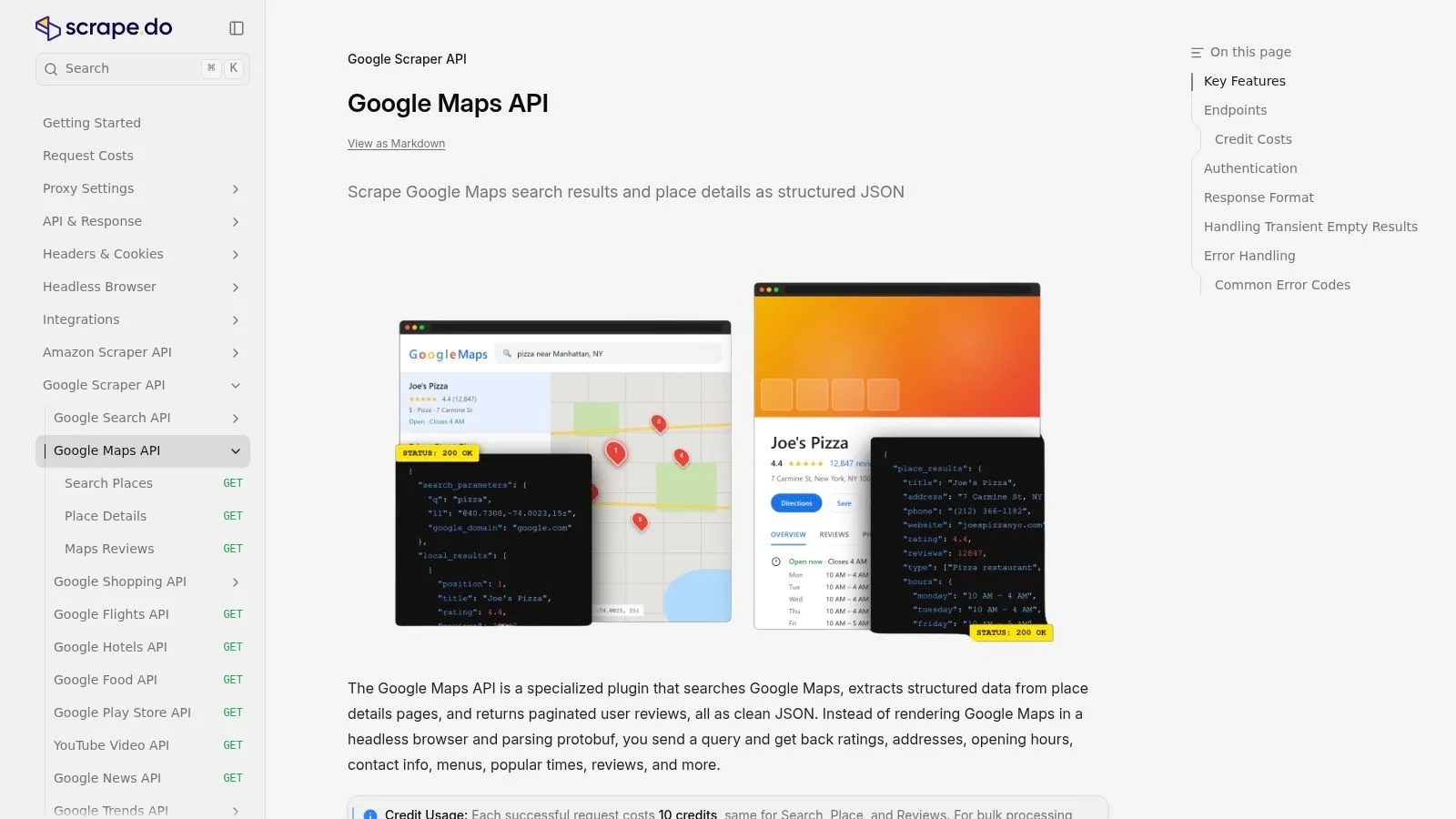
Scrape.do’s Google Maps API is aimed at developers who want structured JSON and control over how they discover places and retrieve details. It separates place search from individual place-detail requests, and its documentation lists Popular Times among the available fields. This setup is useful when you want to find candidate venues first, then request detailed records only for the locations that matter.
Each documented search or place request costs 10 credits, so the monetary cost depends on the current plan and how many requests your workflow makes. A separate detail call can give you more control, but it can also increase total usage. Model the discovery and detail stages together rather than comparing only the price of a single request.
The API supports regional Google domains, interface language options, and country codes, which can help when collecting listings across markets. Your team still needs to integrate the API, manage its token, and handle records where Popular Times isn’t available. The output’s presence in documentation doesn’t mean every venue will return a chart.
A sound pilot checks both endpoints and records which step produced each result. It should also test localized queries against the places your analysis will include. If reliability work includes access controls and request handling, WebscrapingHQ has a guide to avoiding blocks while scraping.
4. Litescrape, Google Maps Popular Times API
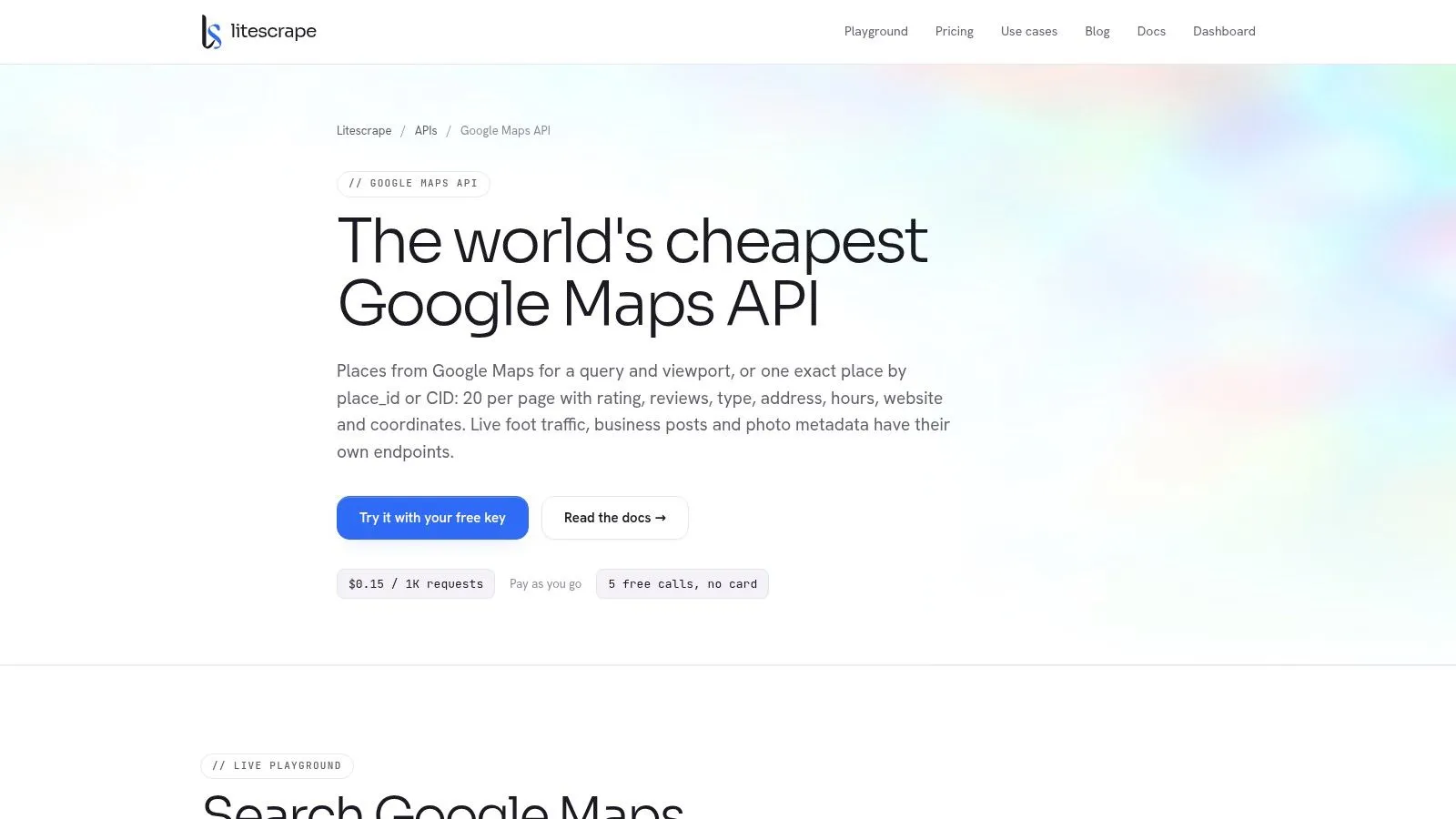
Litescrape’s Google Maps API takes a more focused approach: its dedicated Popular Times endpoint accepts a Google Place ID and retrieves data for that specific place. That makes it a natural fit when you already have a clean venue list and want to collect Popular Times without running a broad discovery search.
The endpoint supports GET or POST requests, with parameters for language, country, and Google domain. The trade-off is clear: Place IDs are a prerequisite, and the API doesn’t itself solve place discovery. If your input list comes from another source, normalize and validate those identifiers before scheduling a large collection.
Best for an existing venue inventory
A place-specific lookup keeps the workflow straightforward, but a successful request can’t guarantee the listing has a Popular Times chart or a live-busyness value. Build your pipeline to represent unavailable data explicitly instead of turning missing fields into zeroes. Otherwise, your analysis can imply that a venue was quiet when the source offered no chart.
The service advertises usage-based request pricing, but the API page is the place to verify current plans and per-request costs. Test representative listings across the locations and languages you plan to use, then compare returned fields with your required schema.
If your collection also needs review data, keep the tasks distinct: Popular Times retrieval and review extraction are different needs. WebscrapingHQ explains the latter in its guide to scraping Google reviews.
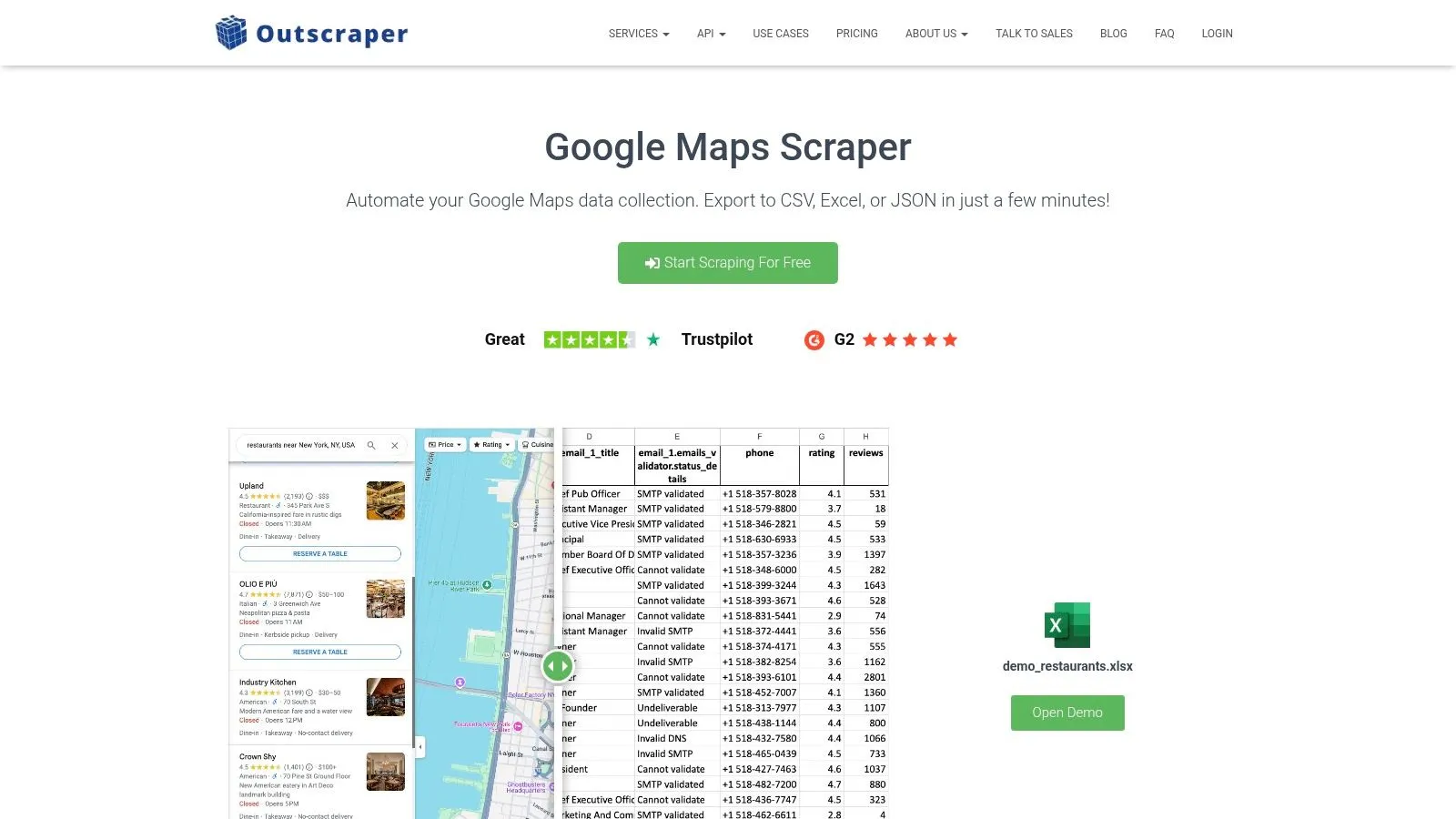
5. Outscraper, Google Maps Scraper
Outscraper’s Google Maps Scraper is a pay-as-you-go option with API access and file exports. Its published pricing lists the first 500 places as free, then $3 per 1,000 records from 501 to 100,000, with a lower rate above that range. Those are place-record prices, not a guarantee that every record includes Popular Times.
Outscraper can search for places and return business data in formats including CSV, Excel, Parquet, and JSON. The free allowance gives teams a way to inspect a small sample before committing to a recurring workflow. Use that sample to check whether the returned Popular Times schema is complete enough for your analysis, not merely whether the listings themselves look right.
The central trade-off is between broad Maps collection and specific field assurance. A general place-record price doesn’t confirm that Popular Times appears for every result, and enrichment settings or repeat runs may affect spend. For a dedicated Popular Times project, check the schema and billing behavior against a representative sample before relying on it.
Don’t equate “place returned” with “hourly chart returned.” Track field availability separately so missing coverage stays visible.
If you’re also collecting listings that haven’t been claimed by their businesses, WebscrapingHQ covers the related issue in its article about unclaimed Google Business Profile listings.
6. Thordata, Google Maps Scraper API
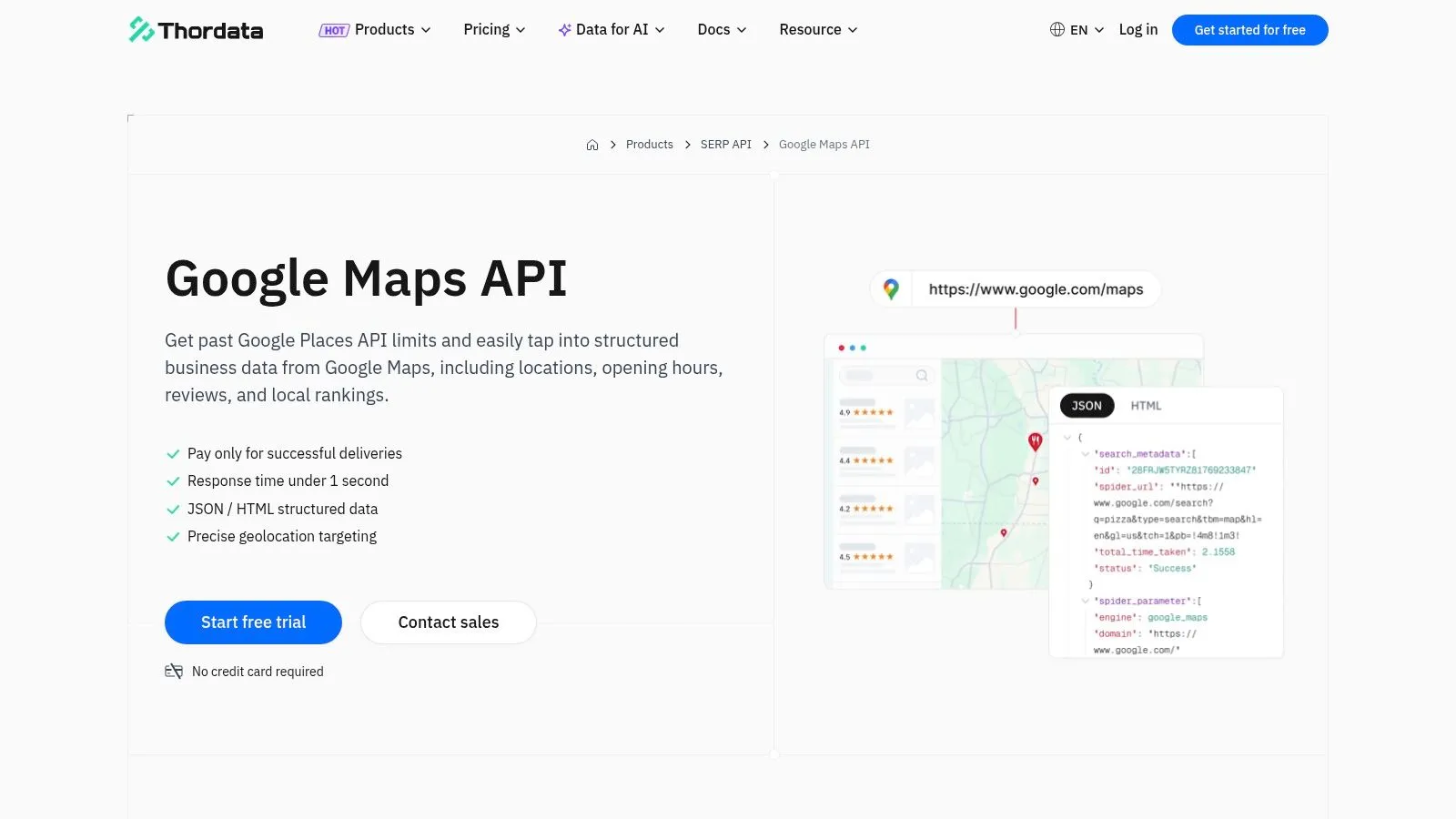
Thordata’s Google Maps Scraper API explicitly advertises Popular Times alongside other publicly visible Maps data. It offers a free trial of 500 responses, followed by monthly volume plans. Published paid plans start at $18 per month for 15,000 responses.
That explicit field claim is a useful starting point, but it isn’t a substitute for sample validation. Confirm that the returned response contains the specific Popular Times representation your pipeline needs, and test venues with different levels of chart availability. Also clarify how responses and endpoint calls count toward your plan, since that determines the practical per-place cost.
Monthly plans may suit a recurring workflow better than ad hoc requests, especially if the team wants a predictable response allowance. Enterprise options include custom fields, concurrency tuning, monitoring, and account management. Those options may help with operational needs, but you should confirm the details that apply to your project rather than assume they’re included in a standard plan.
Use the trial to test a representative location set and verify how missing charts appear in the API output. Then estimate request volume from the actual workflow, including retries and any separate lookup steps.
7. Openscraper.ai, Google Maps Scraper
Openscraper.ai’s Google Maps Scraper advertises a popular_times field alongside business details, opening hours, photos, and review information. Its headline pricing is $0.29 per 1,000 places without a subscription and $0.26 per 1,000 with one. The figures make it look attractive for cost-sensitive pilots, but they don’t establish field completeness or whether missing or enriched records incur charges.
This tool’s advertised output is a reason to test it, not a reason to skip testing. Run a sample that reflects your actual market and venue types, then inspect whether Popular Times arrives consistently where Google displays a chart. Confirm the meaning of empty or absent values before you build downstream reports around them.
The service also lists other useful place attributes, which can reduce the need to join multiple data sources if the fields fit your project. However, the available information doesn’t settle API and export options, support expectations, or the pricing treatment of incomplete records. Get those details in writing before making it the foundation of a recurring pipeline.
For a fair comparison, use the same place set and required output schema across providers. A low cost per record matters only if the returned fields are usable and the collection process fits your delivery needs.
Top 7 Google Popular Times Scrapers Compared
| Product | Implementation Complexity | Resource and Cost Requirements | Expected Outcome | Ideal Use Case | Key Advantage |
|---|---|---|---|---|---|
| WebscrapingHQ, Google My Business Scraper | Low for the customer; provider scopes and maintains the pipeline | Custom pricing and delivery terms require scoping | Structured data delivered as CSV or JSON; exact fields need confirmation | Recurring, multi-location collection with managed operations | Reduces in-house maintenance and engineering effort |
| Apify, Google Maps Scraper (Compass) | Medium; requires configuring and learning Apify actors | Advertised from $1.50 per 1,000 places; verify current pricing | Place records, with Popular Times or live-busyness when available | Search-based collection, repeat runs, and larger batches | Combines place discovery, data collection, exports, and scheduling |
| Scrape.do, Google Maps API | Medium; requires API integration and token management | 10 credits per search or place request; monetary cost depends on plan | Structured JSON from separate search and details endpoints; Popular Times when available | Localized, developer-led data pipelines | Clear endpoint structure and broad localization support |
| Litescrape, Google Maps Popular Times API | Medium; requires API key and Place IDs | Usage-based pricing; verify current per-request costs | Place-specific Popular Times lookup when Google provides the data | Retrieving Popular Times for an existing venue list | Dedicated endpoint focused on Popular Times |
| Outscraper, Google Maps Scraper | Low to medium; supports API and file-export workflows | First 500 places free; published per-record rates apply afterward; verify current pricing | Place data in common formats; confirm Popular Times fields with a sample | One-off or bulk place extraction with flexible exports | Free allowance and multiple export formats |
| Thordata, Google Maps Scraper API | Medium; API setup, with enterprise customization available | 500-response free trial; paid plans start at $18/month for 15,000 responses | Advertises Popular Times and other Maps data; validate fields on sample locations | Recurring collection with predictable response-volume tiers | Explicit Popular Times coverage and enterprise options |
| Openscraper.ai, Google Maps Scraper | Low to medium; confirm API and export options | Advertises $0.29 per 1,000 places without subscription or $0.26 with one; verify terms | Advertises popular_times and other business fields; test completeness | Cost-sensitive pilots or bulk extraction | Low advertised per-place pricing and multiple place attributes |
Pick the Right Pipeline for Ongoing Foot-Traffic Data
A Maps chart may be visible for one branch and absent for another, even when both belong to the same chain. No scraper can supply Popular Times where Google does not show it. The chart reflects relative popularity against that place’s usual busiest hour, not visitor counts. Its underlying pattern also shifts: Google bases Popular Times on average popularity over the past few months, while visit-duration estimates draw on patterns from recent weeks. Treat each result as a changing behavioral signal, not a fixed historical baseline.
Before comparing per-1,000 prices, test a representative set of venues across the markets you plan to cover. Include locations with and without a visible chart. For each tool, check which Popular Times fields it returns, whether it discovers places or requires Place IDs, how it marks missing values, and what repeated collection costs under your expected request pattern. A low unit price has little value if chart coverage is narrow or discovery requires a separate workflow.
Choose the collection model around those trade-offs:
- Use a managed service when scheduled delivery, schema support, and maintenance outside your engineering queue matter. Confirm Popular Times coverage and delivery terms against your sample.
- Use a discovery-oriented scraper when one workflow must find places and collect their details. Test chart fields alongside the actor or search settings.
- Use a Place ID API when you already maintain a reliable venue list and need focused lookups. Account for separate discovery costs if the list is incomplete.
- Use a usage-based service for a pilot or variable volume. Compare providers with the same locations, required fields, and collection frequency.
For recurring analysis, save the collection time, place identifier, request status, and field-availability status with each result. Keep a missing chart distinct from a zero-like value, and watch for schema changes that could break reporting. These checks help analysts interpret trends without paying to collect fields or places they cannot use.
WebscrapingHQ builds and runs managed extraction pipelines with structured delivery, monitoring, retries, and adjustments when sources change. To check Popular Times coverage and delivery options before scaling, visit WebscrapingHQ to discuss the fields and workflow your project requires.
Want this done for you?
Send us the URLs. We'll quote it in 24 hours.
Paste the URL(s) you want scraped. We'll reply within 24 hours with a feasibility check and a ballpark quote.